

Free-form quote: build it item by item
A quote your way: chapters, catalogue items or your own, and your prices.
Step by step
-
Click Quotes › New free quote.
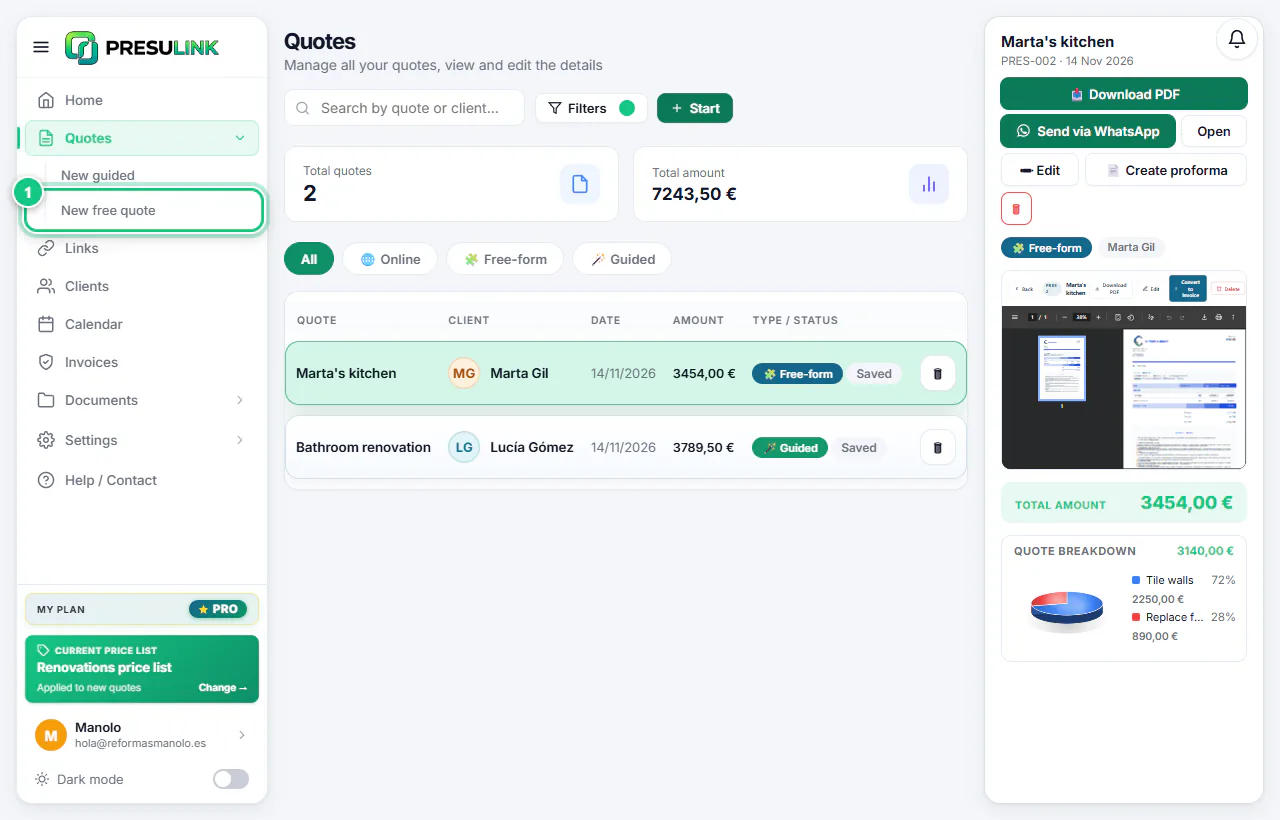
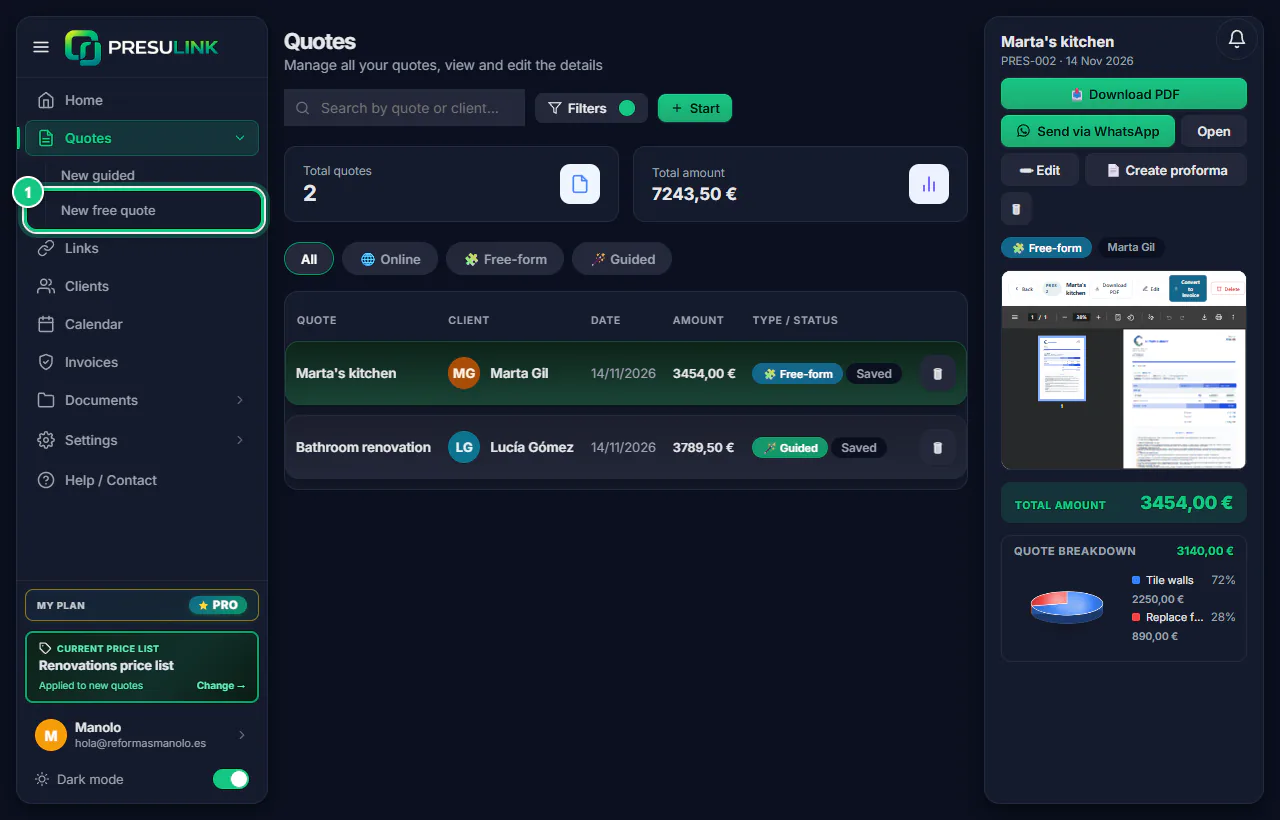
-
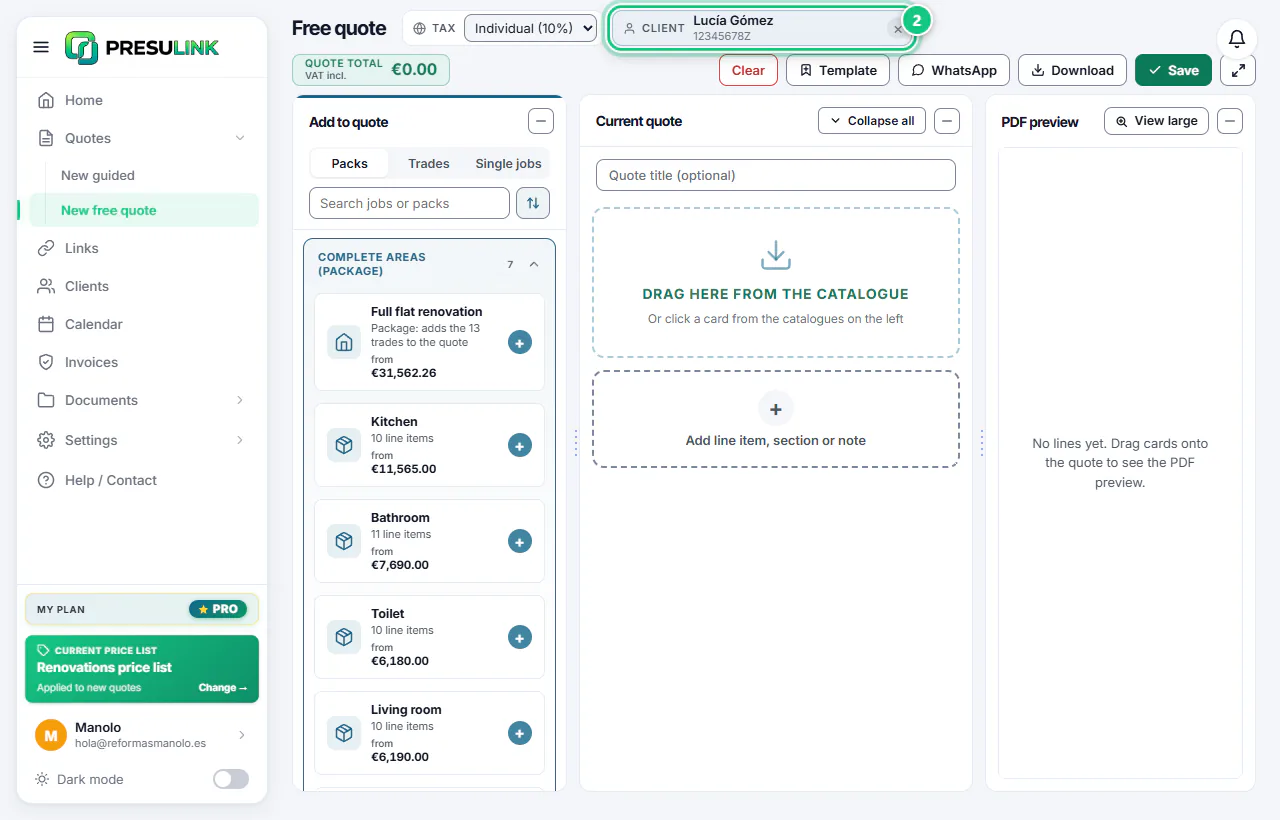
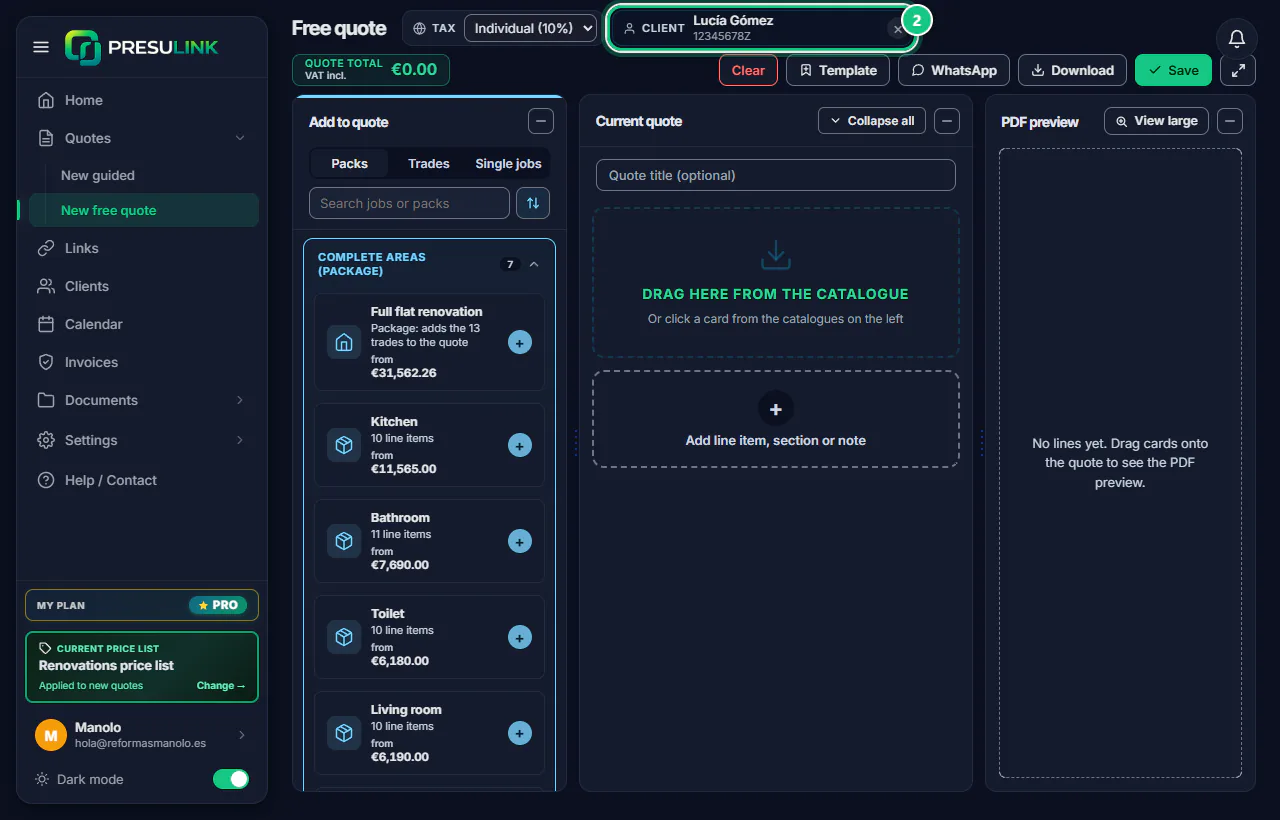
At the top, pick the client: Select or + New. And the VAT.
Note: If you save without a client, you can’t make the proforma later.
-
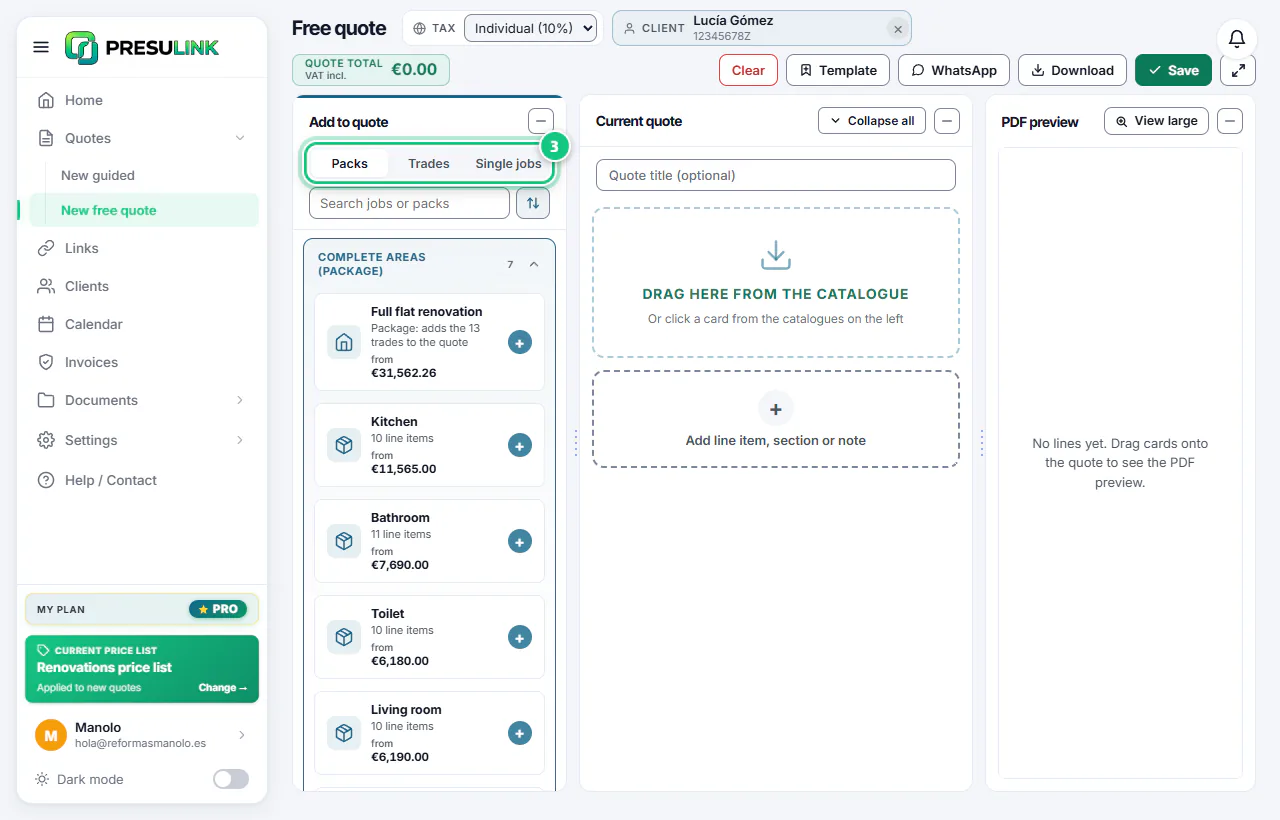
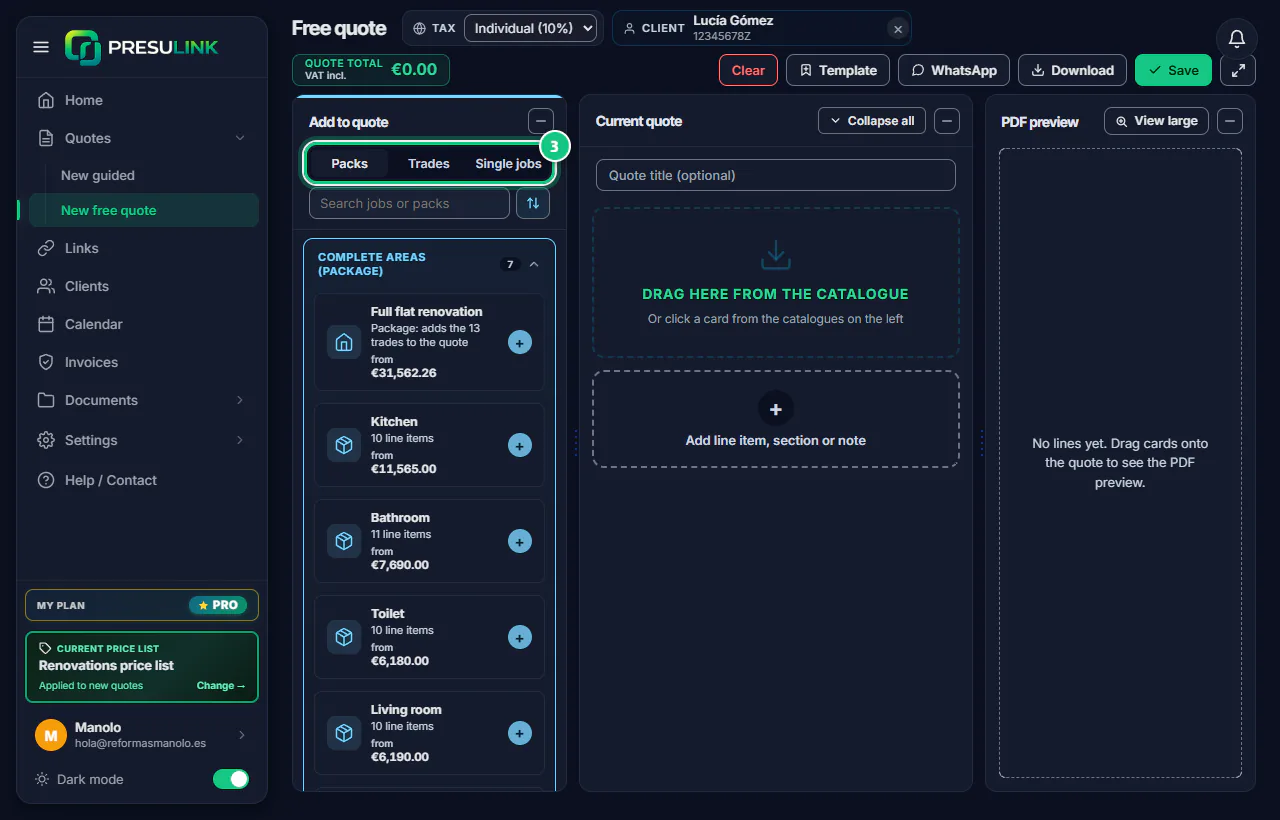
Pick a catalogue: Packs, Trades or Single jobs.
Note: Packs adds a whole area (bathroom, kitchen…). Trades adds a full trade. Single jobs has items by trade.
-
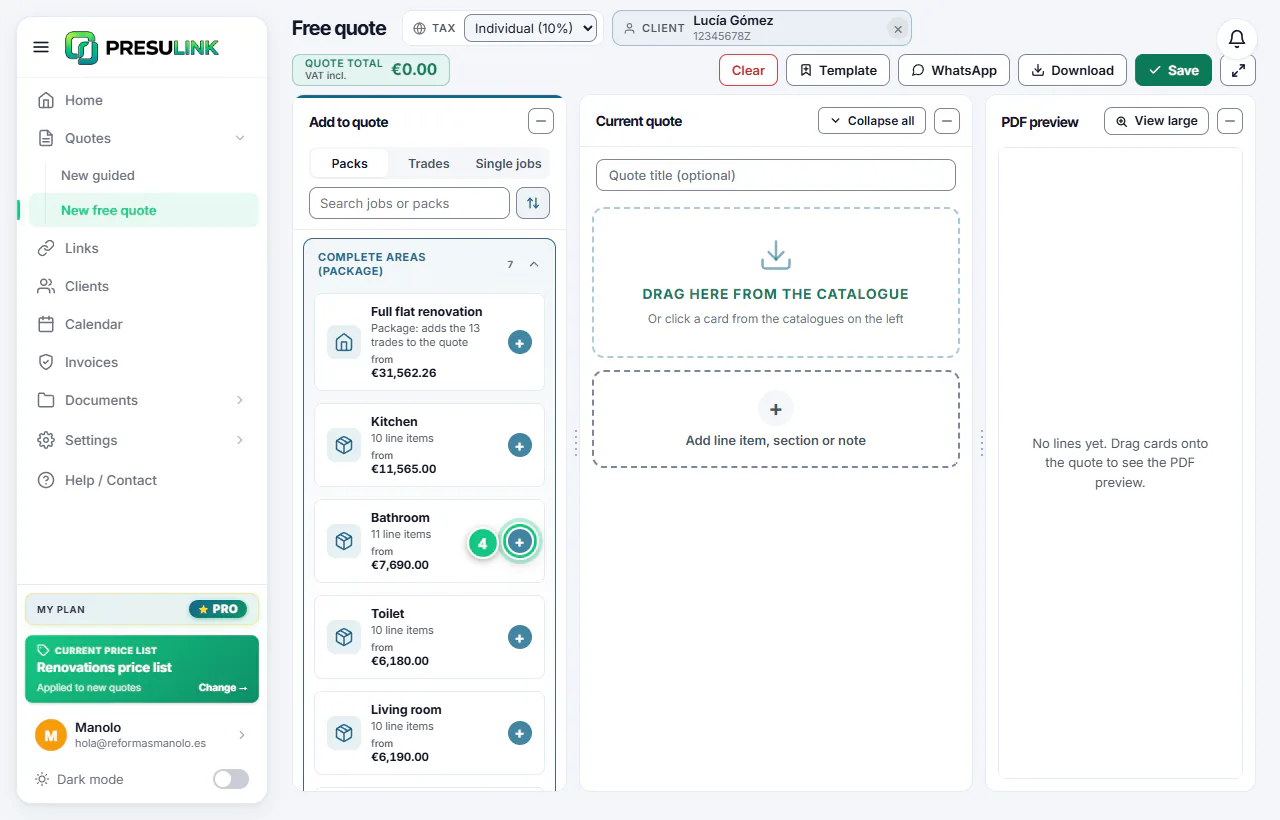
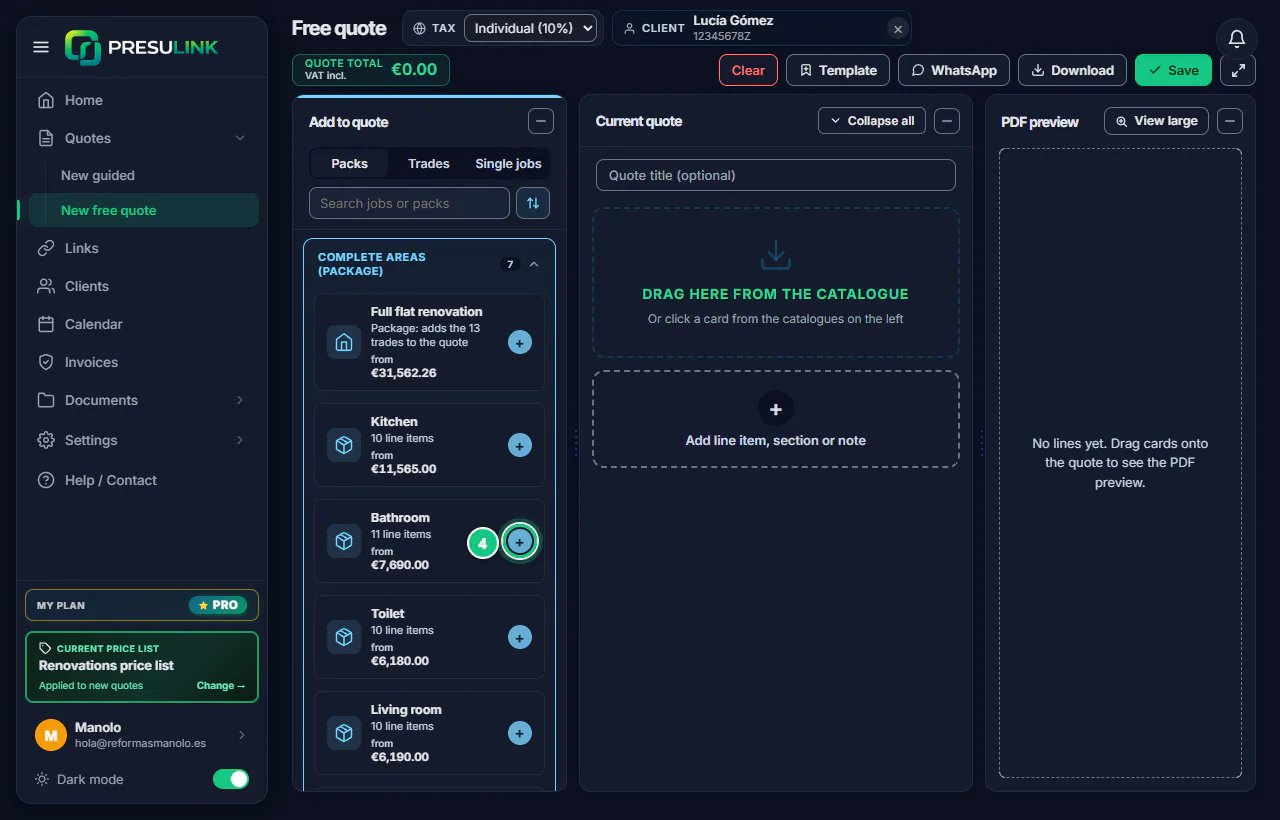
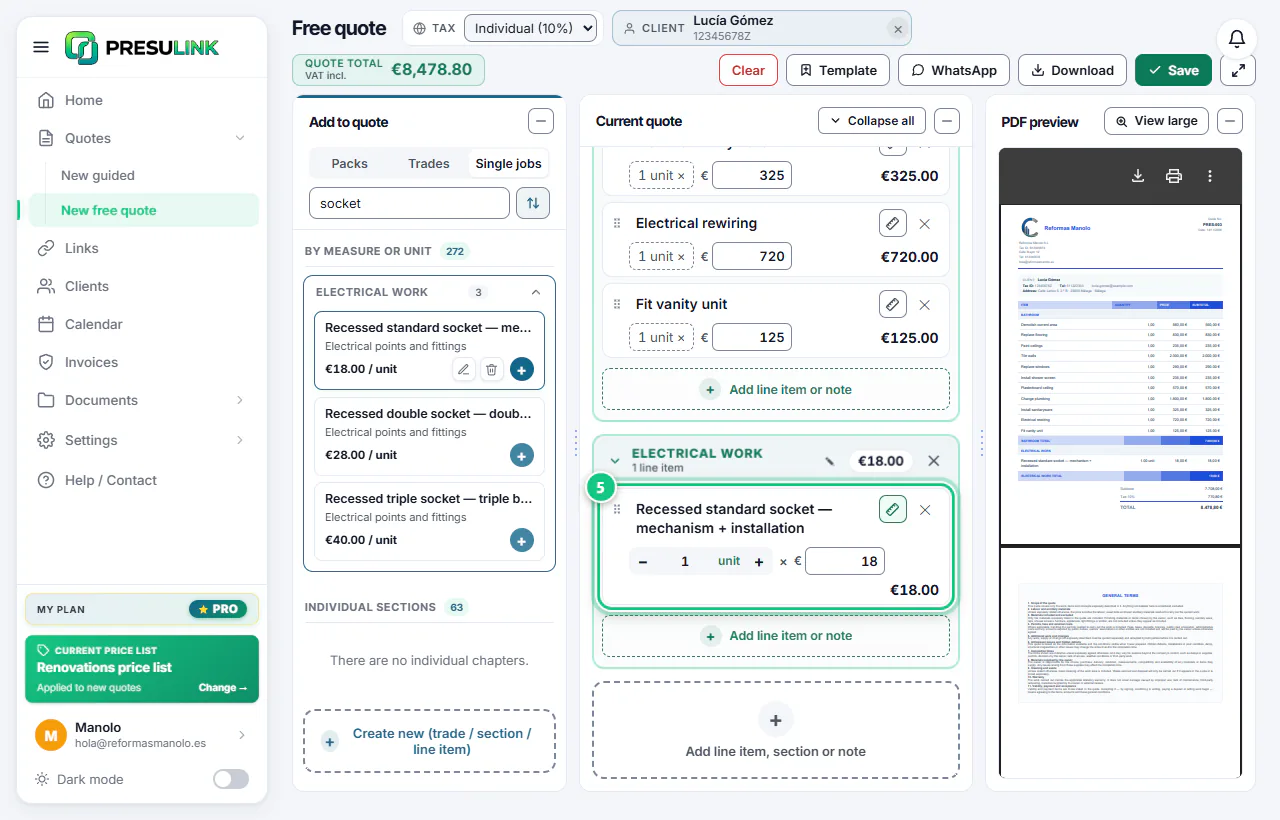
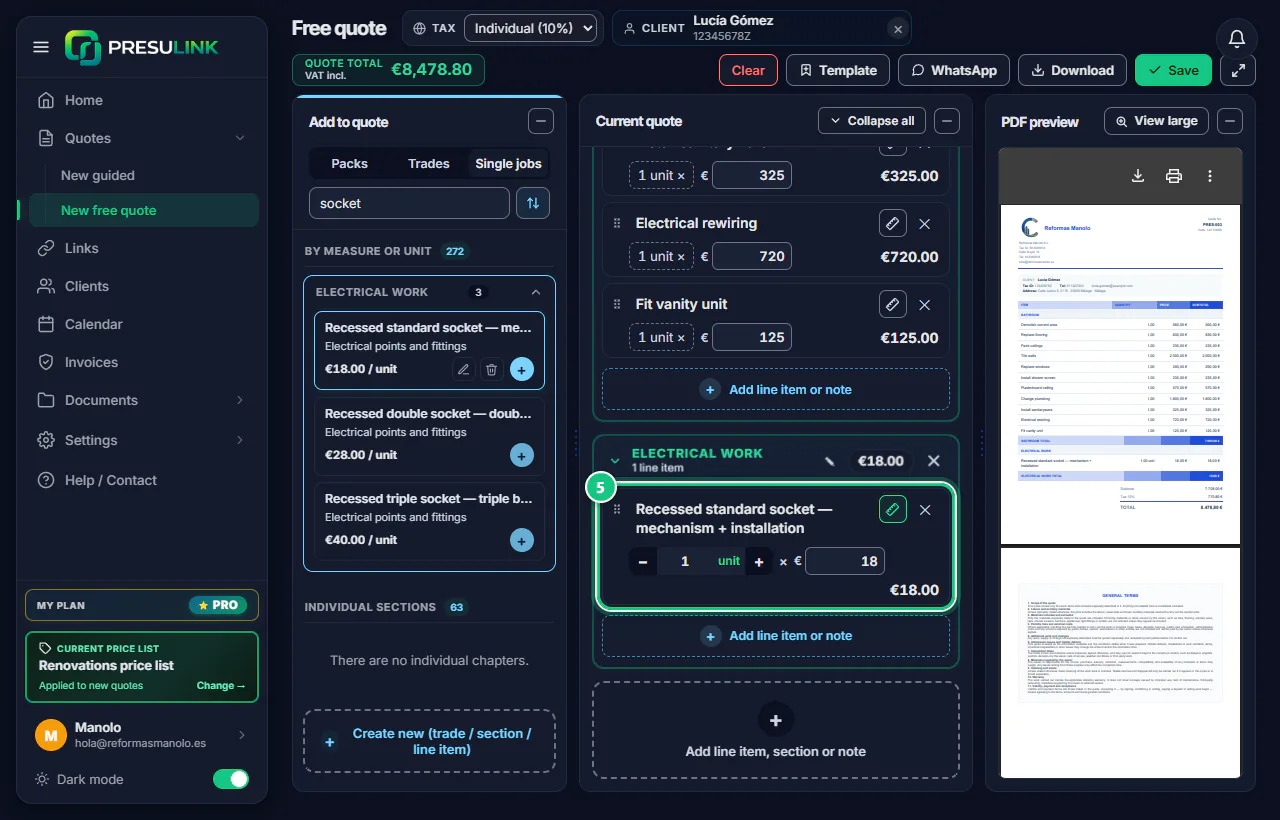
Click the + on a card, or drag it into the quote.
-
Change the quantity and price on the line; the ✕ removes it.
Note: The “NOTE” lines are PDF text: they don’t add to the price.
-
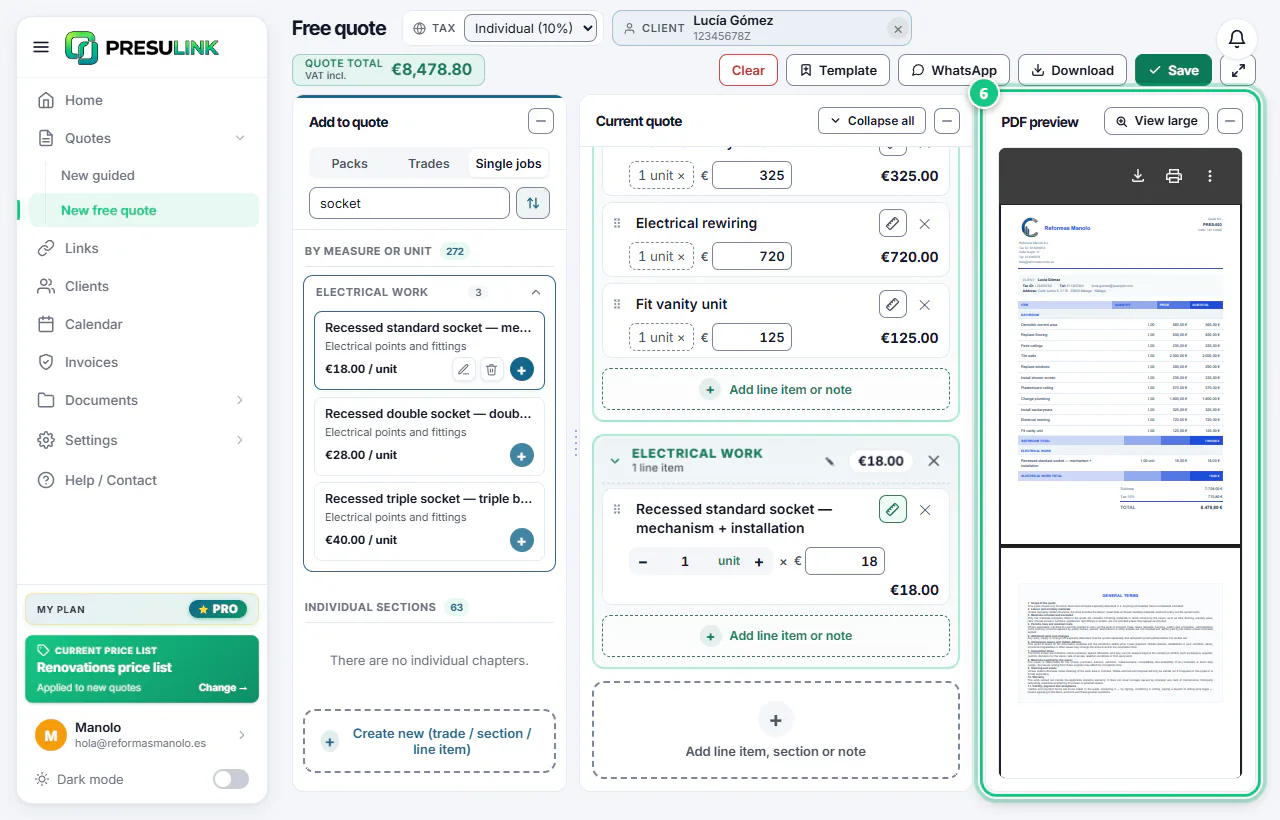
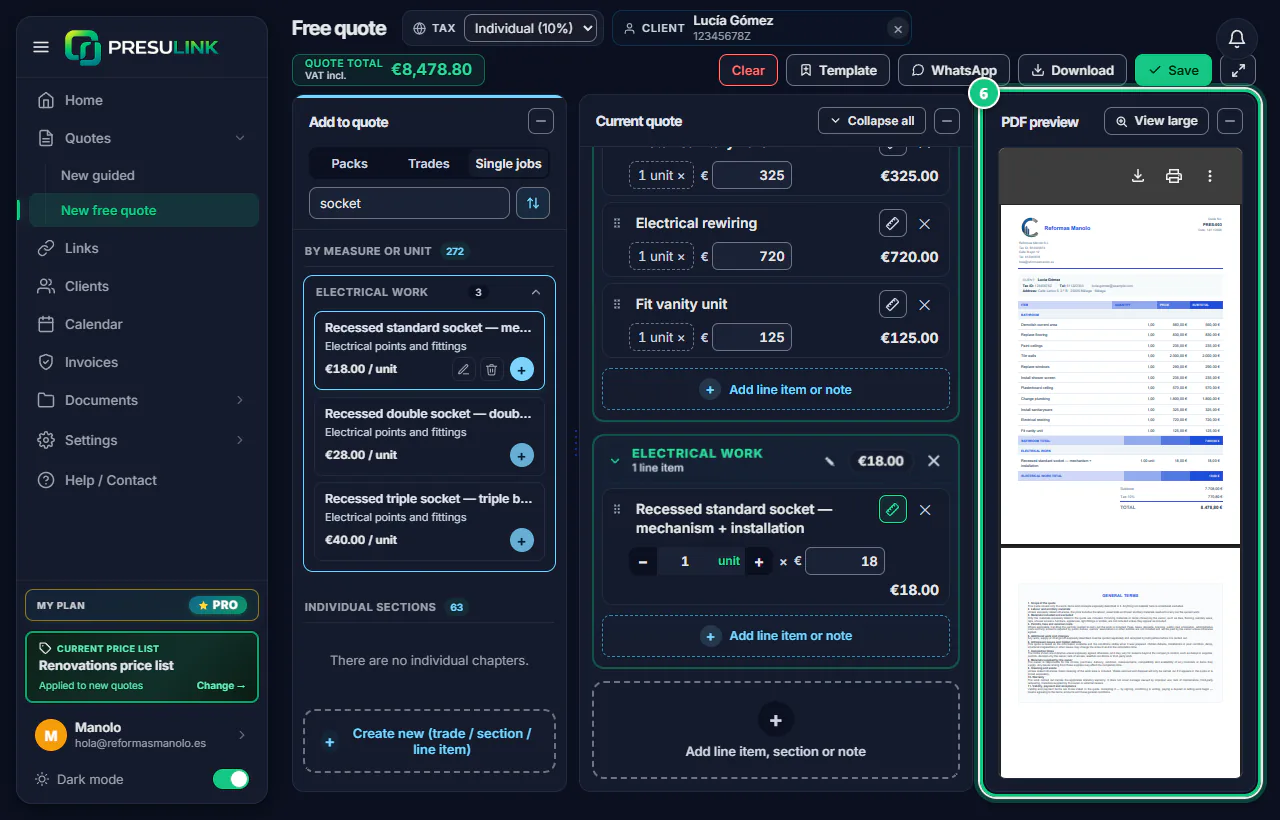
Check the PDF preview on the right.
-
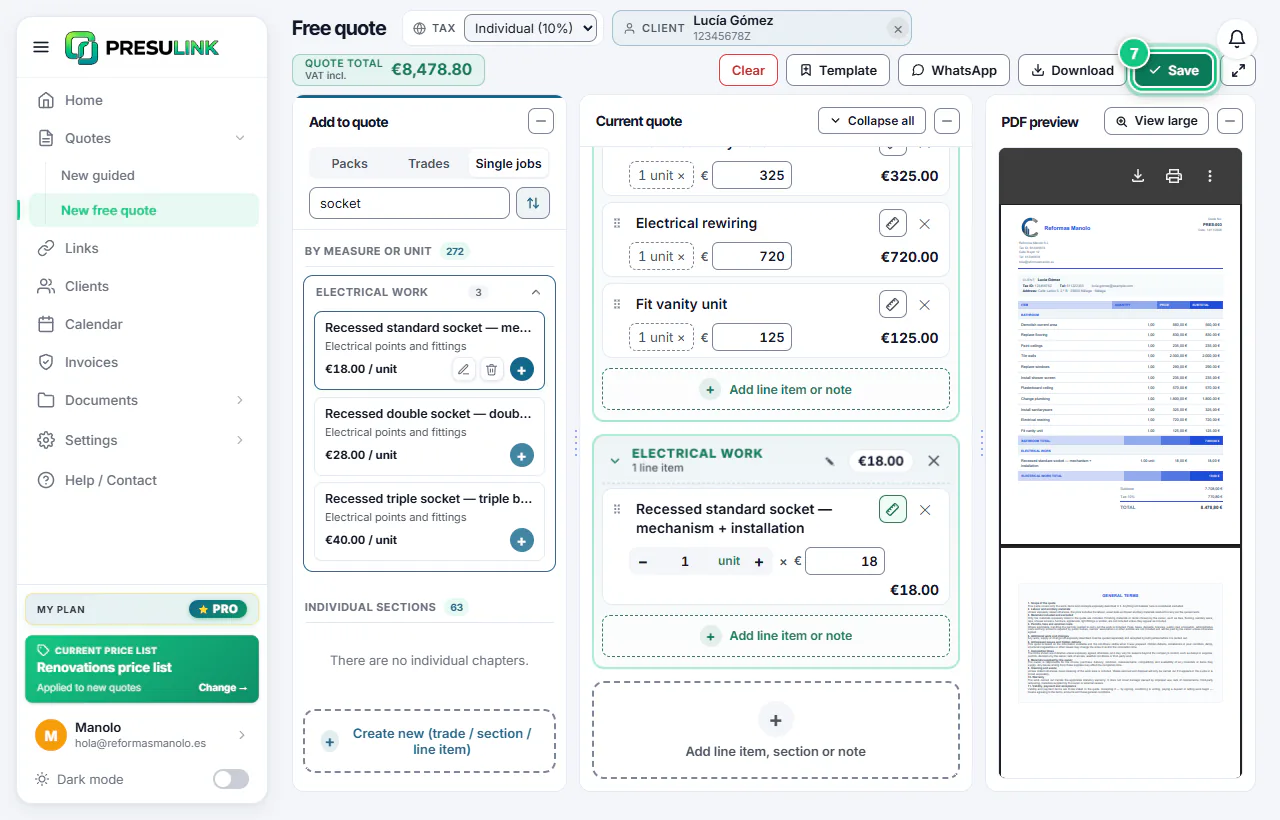
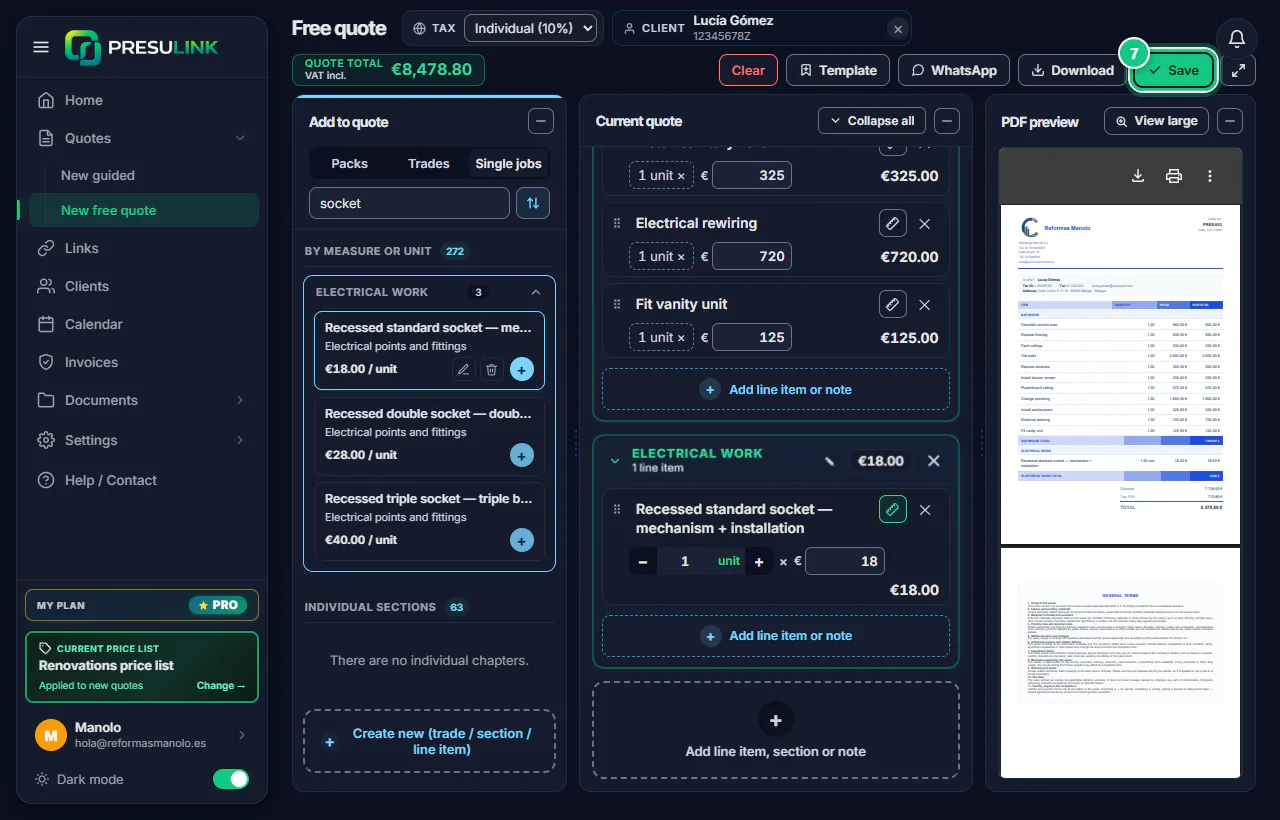
Click Save and give it a name.
-
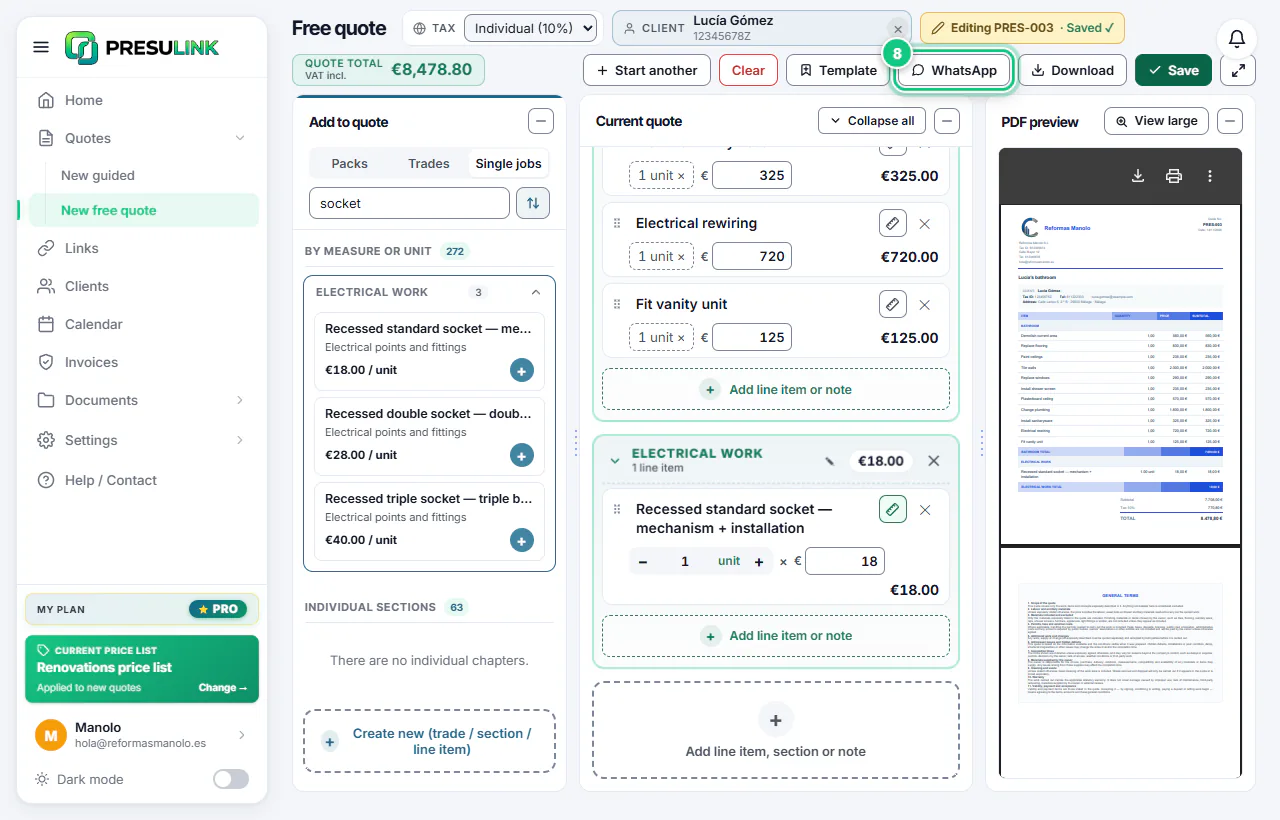
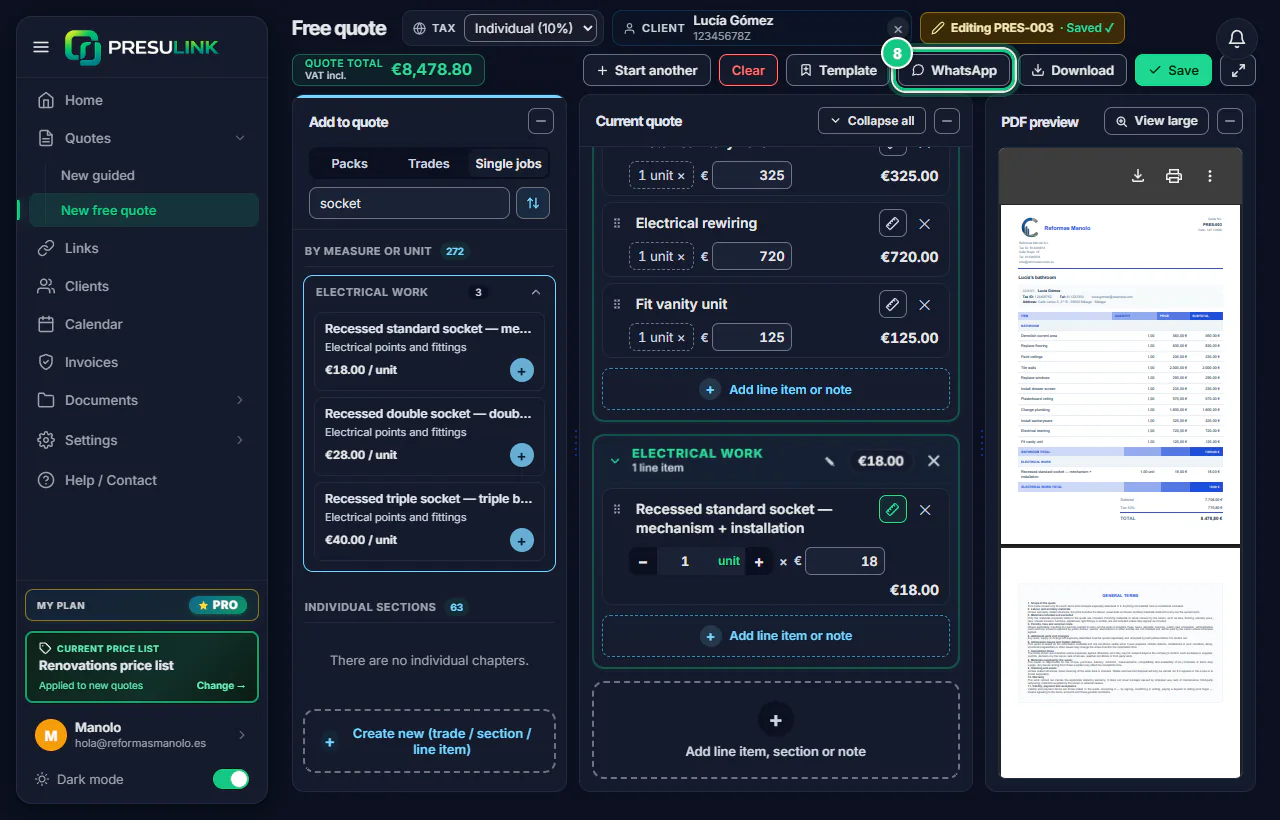
Send it with WhatsApp or get it with Download.
-
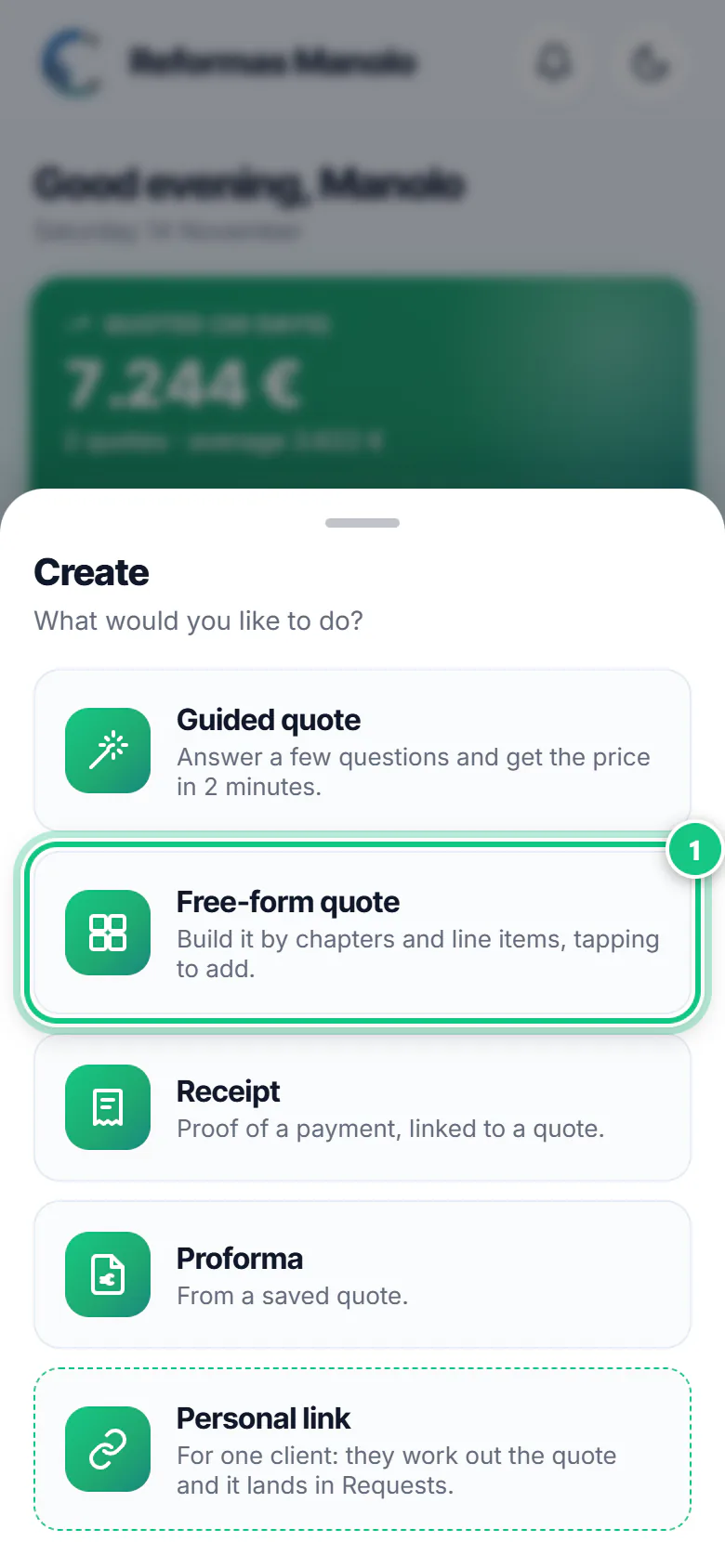
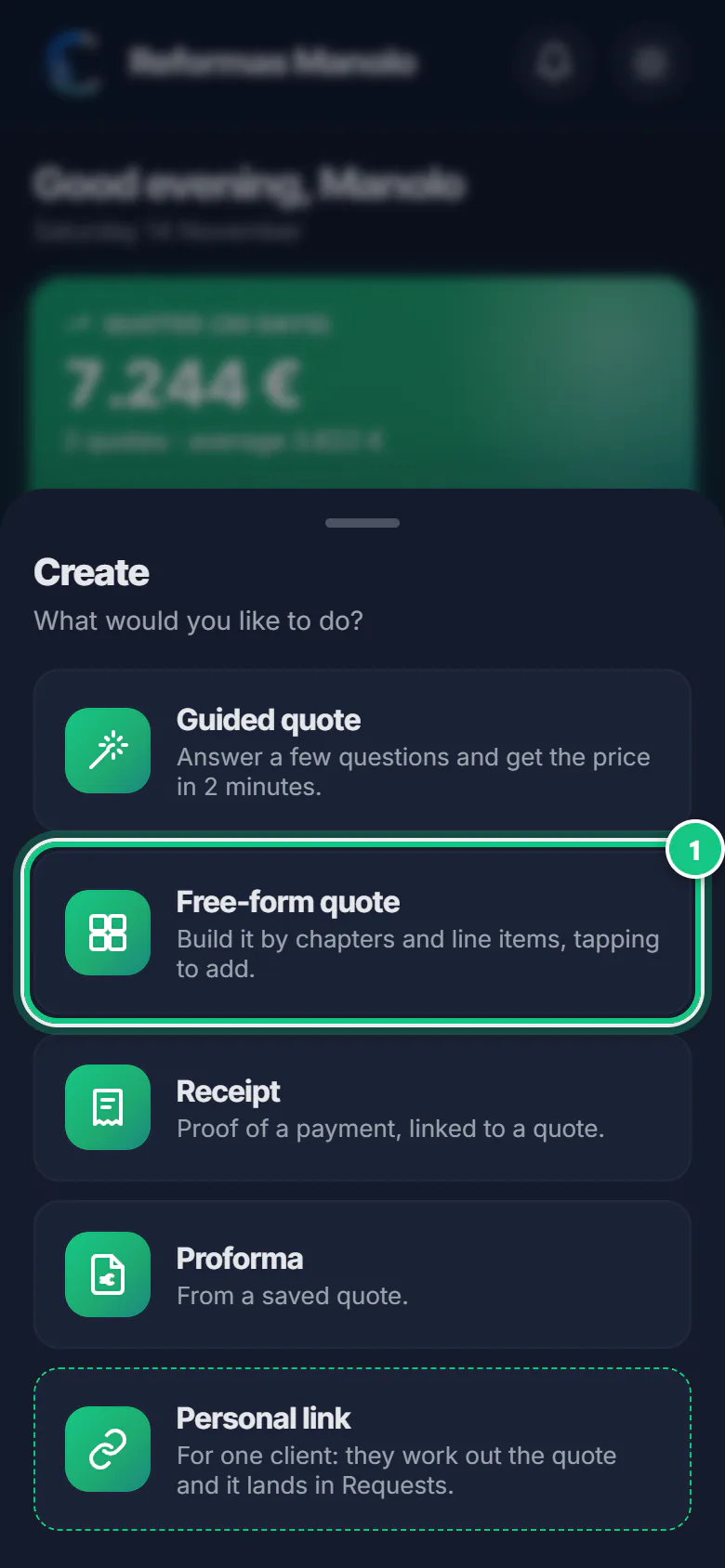
Tap Create, then Free-form quote.
Note: Got one half done? It asks: Continue draft or Start from scratch.
-
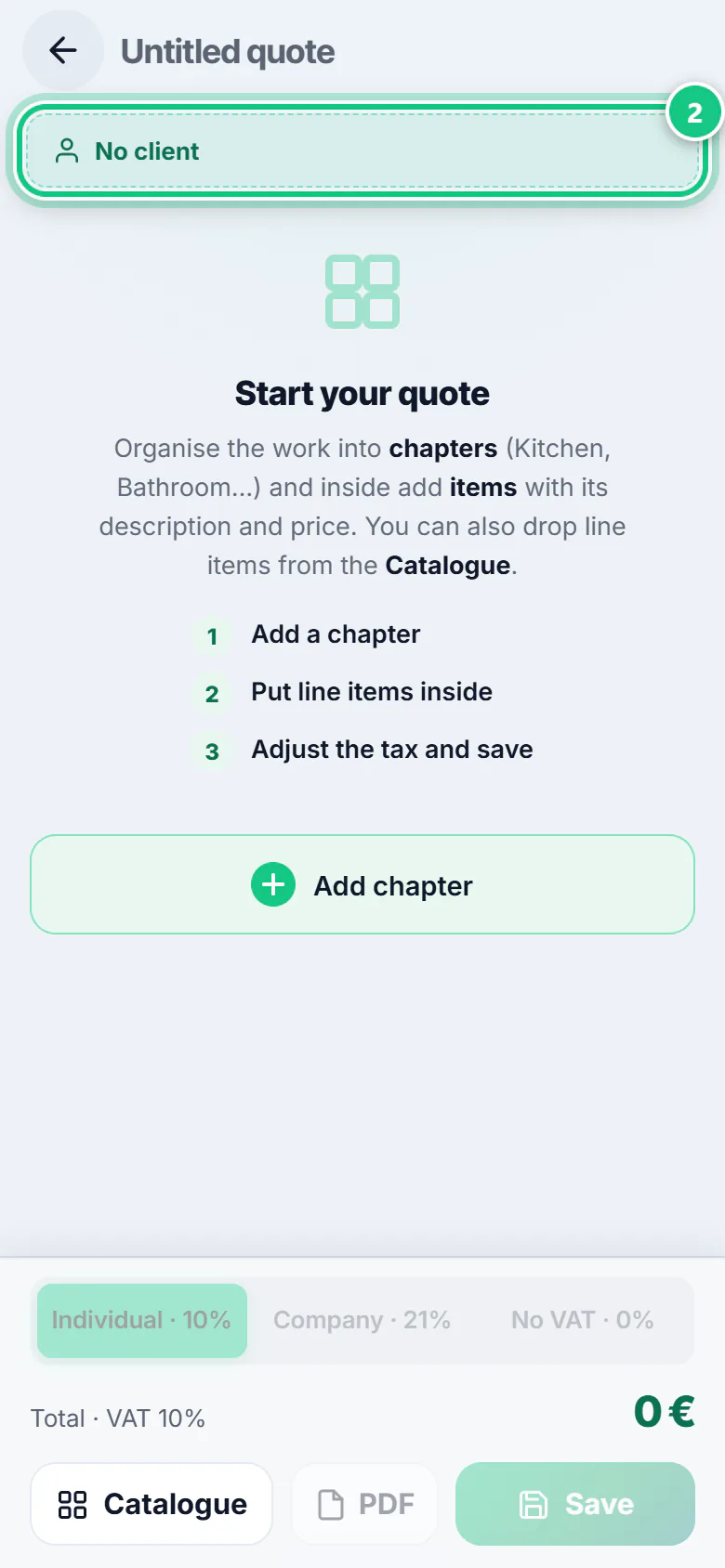
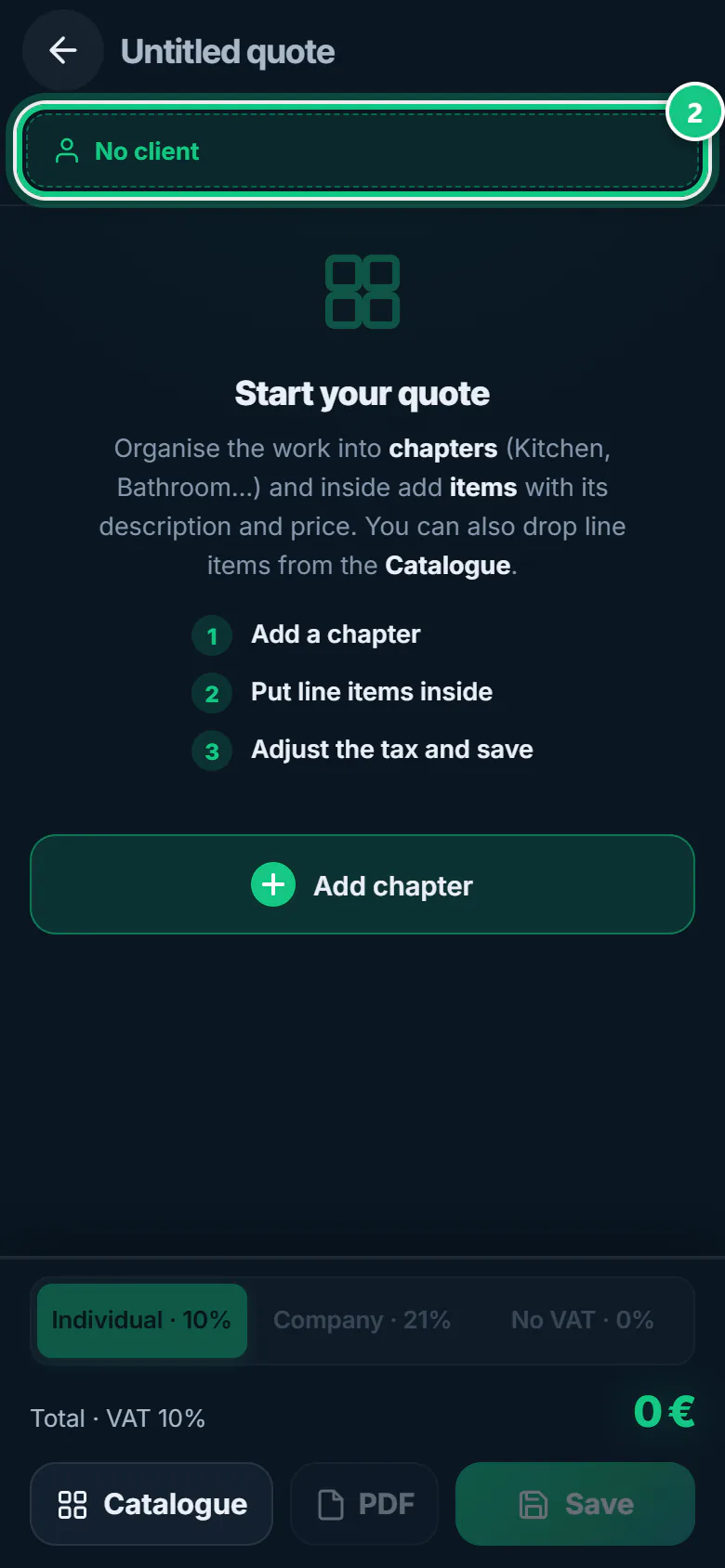
Tap No client at the top and pick or create the client.
Note: Link an existing client or create a new one. With a client, you can make the proforma later.
-
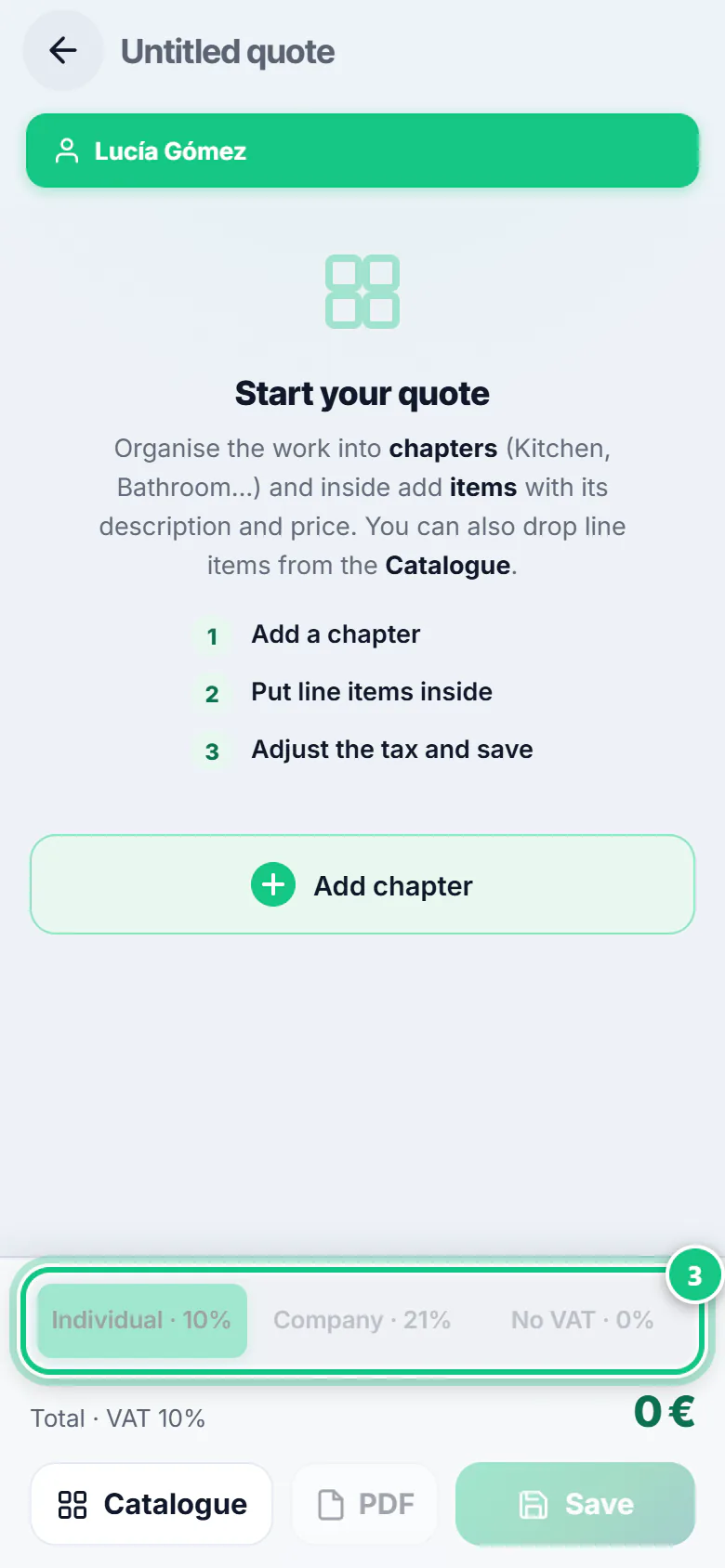
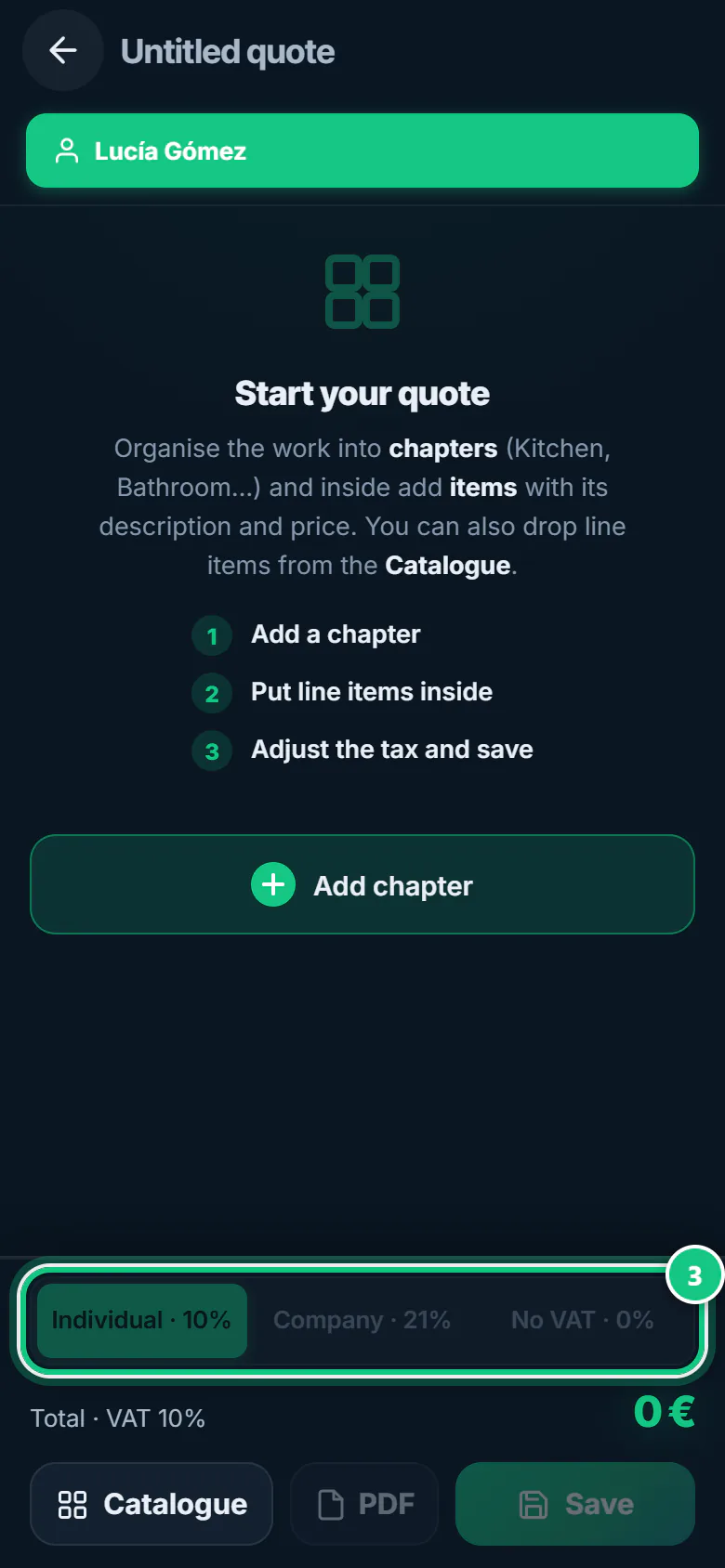
Pick the VAT: Individual or Company.
-
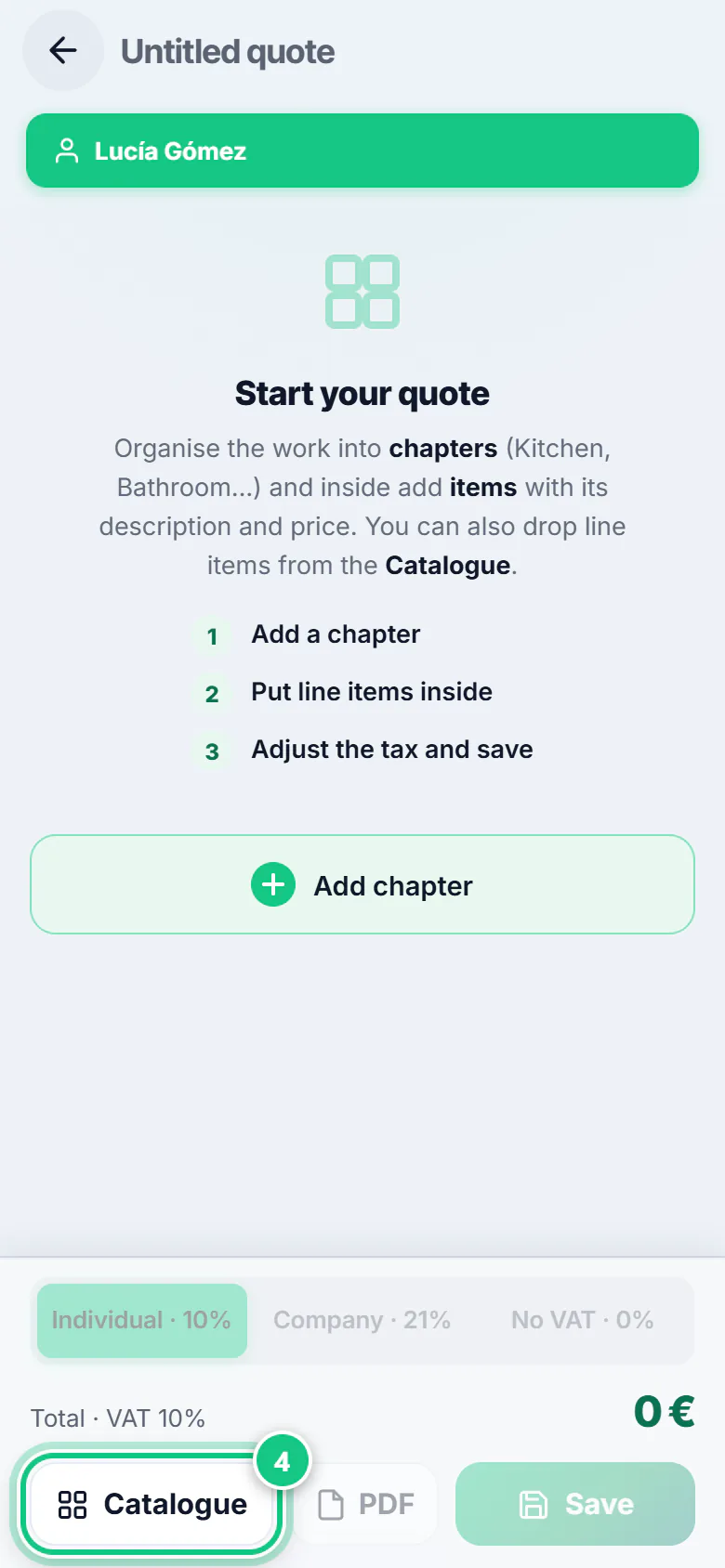
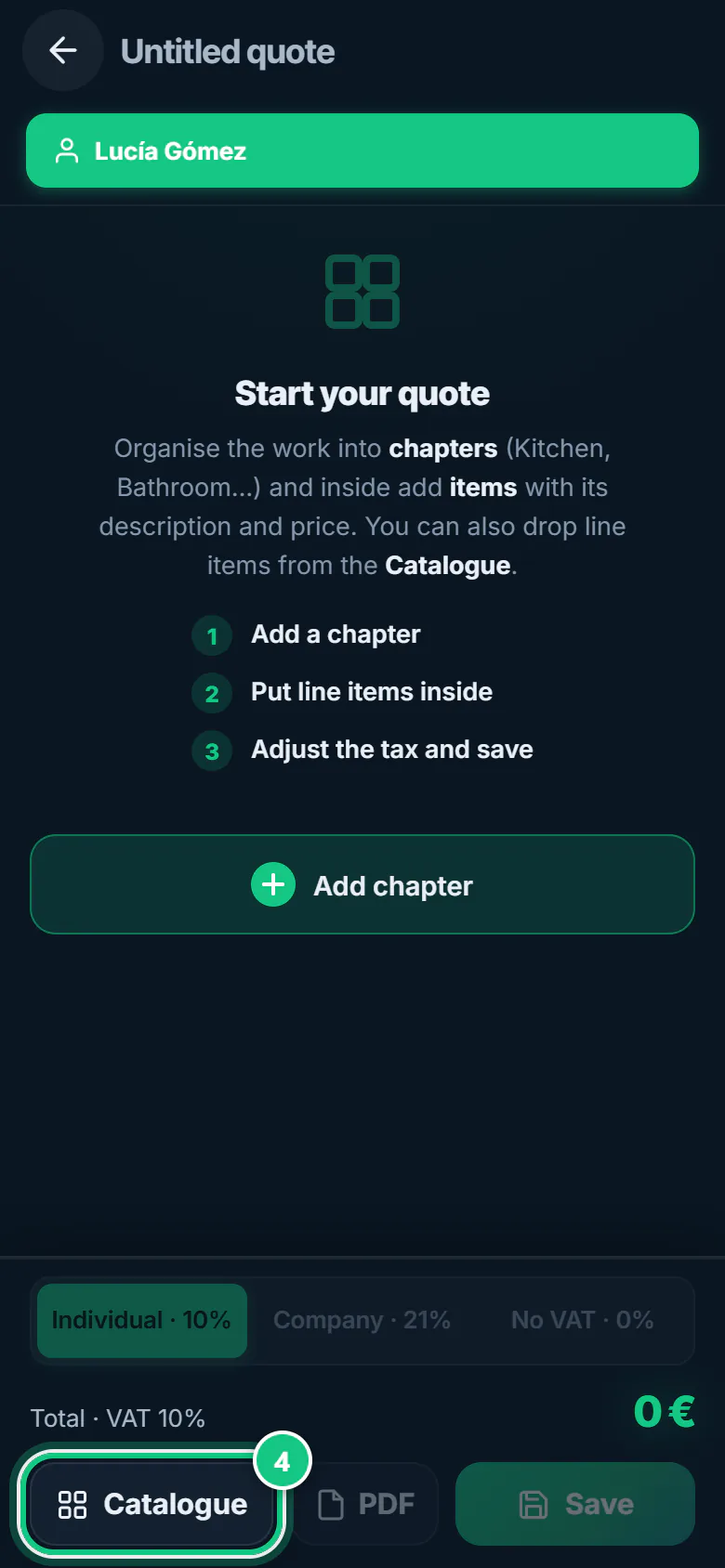
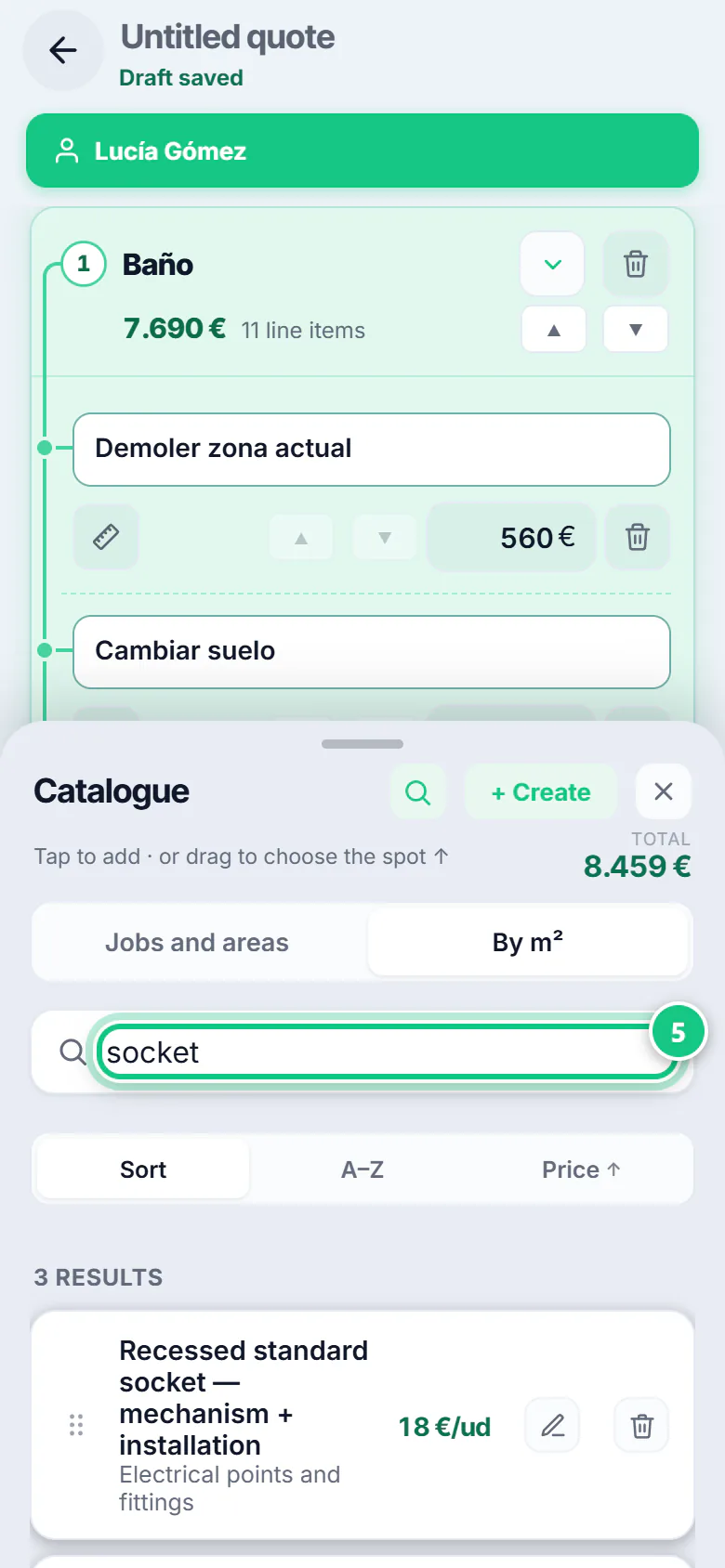
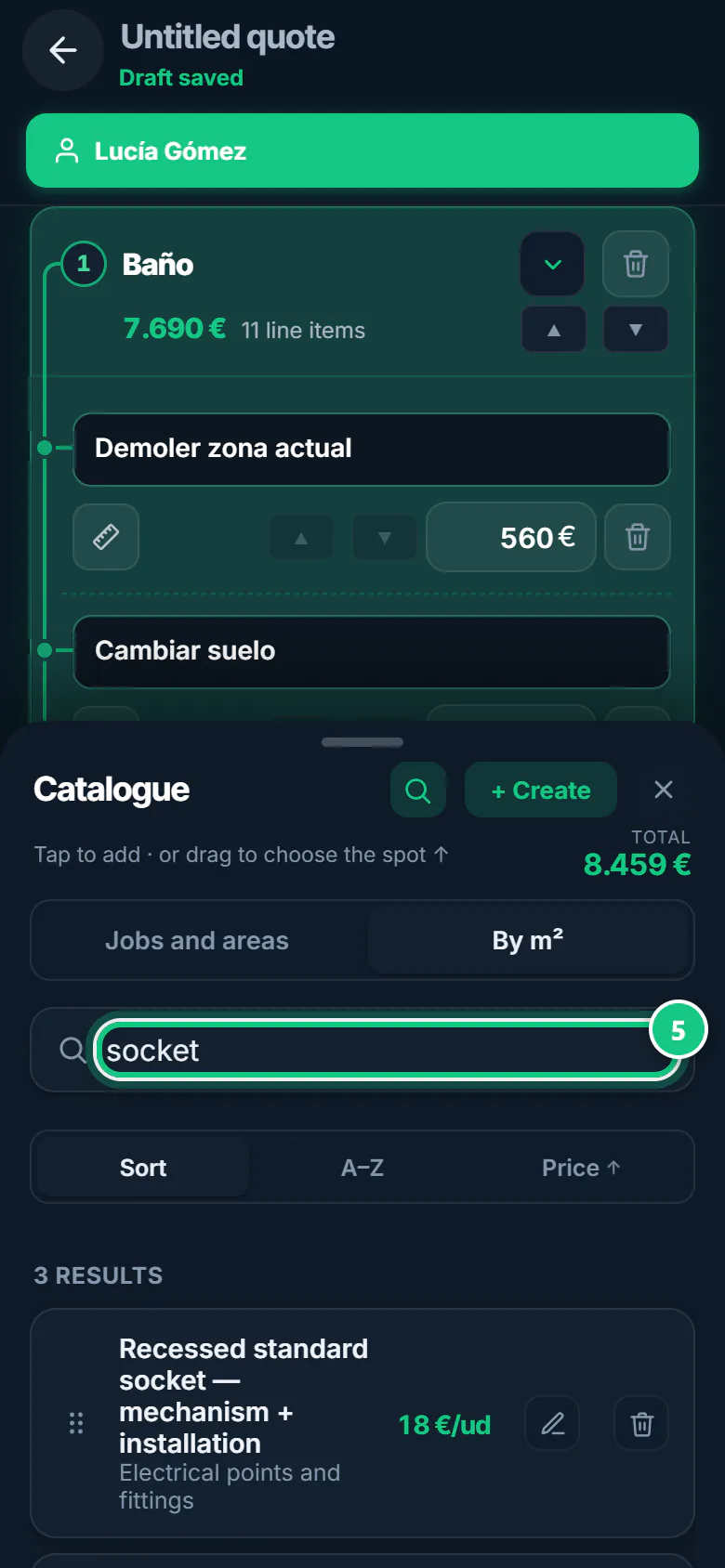
Tap Catalogue.
Note: Jobs and areas has bathrooms, kitchens and whole trades; By m² has single items.
-
In By m², tap the magnifier, type the item and tap it to add it.
Note: For now the search uses the Spanish item names: try “enchufe” for a socket.
-
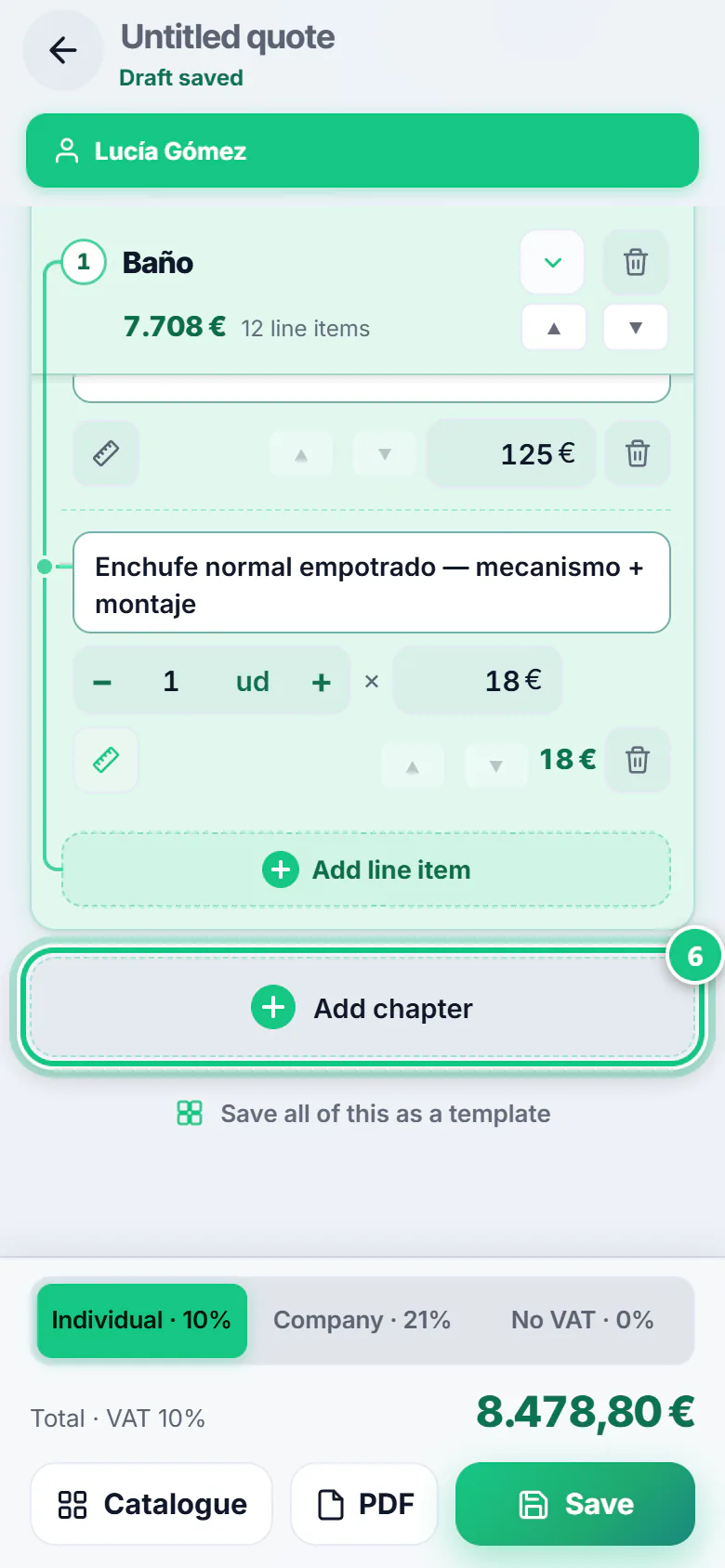
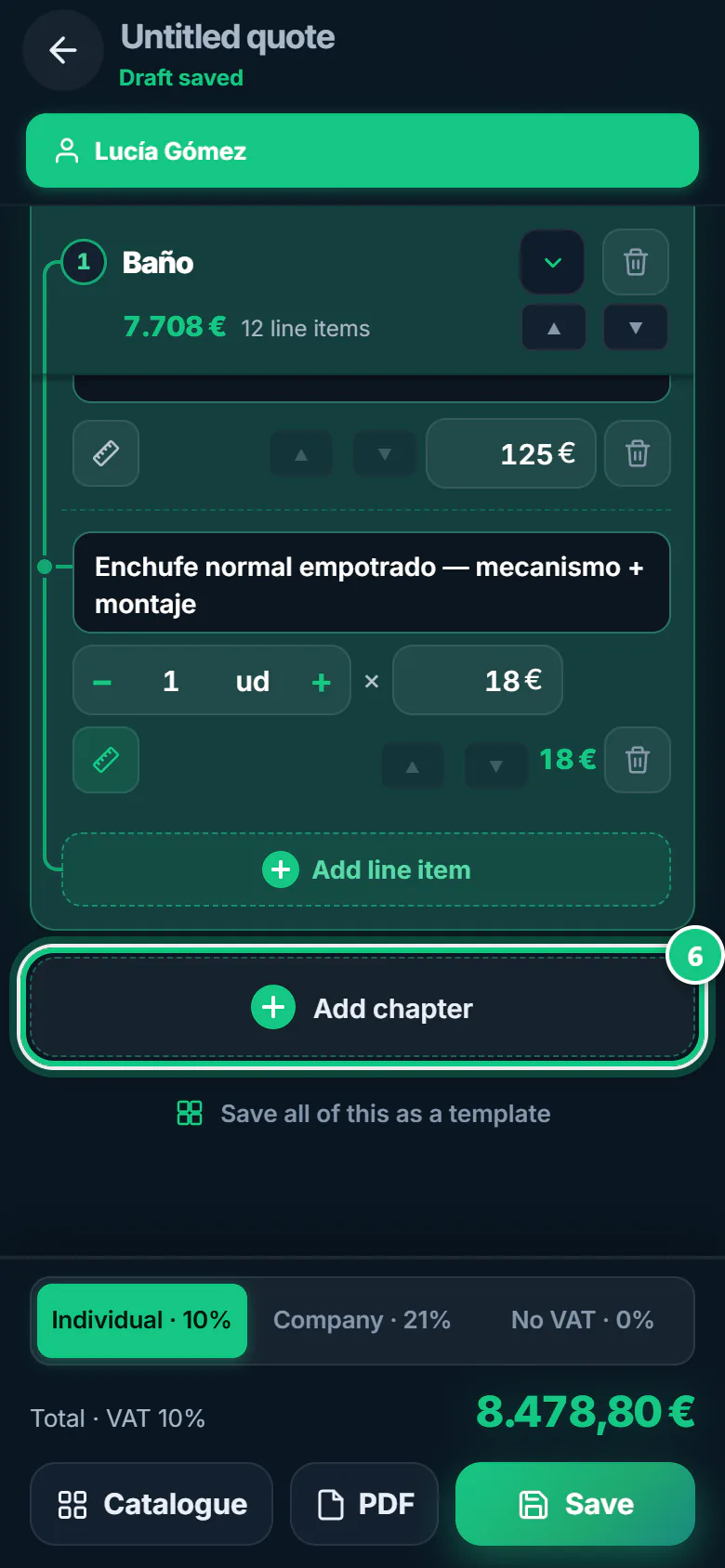
Something missing? Tap Add chapter, then add a line.
-
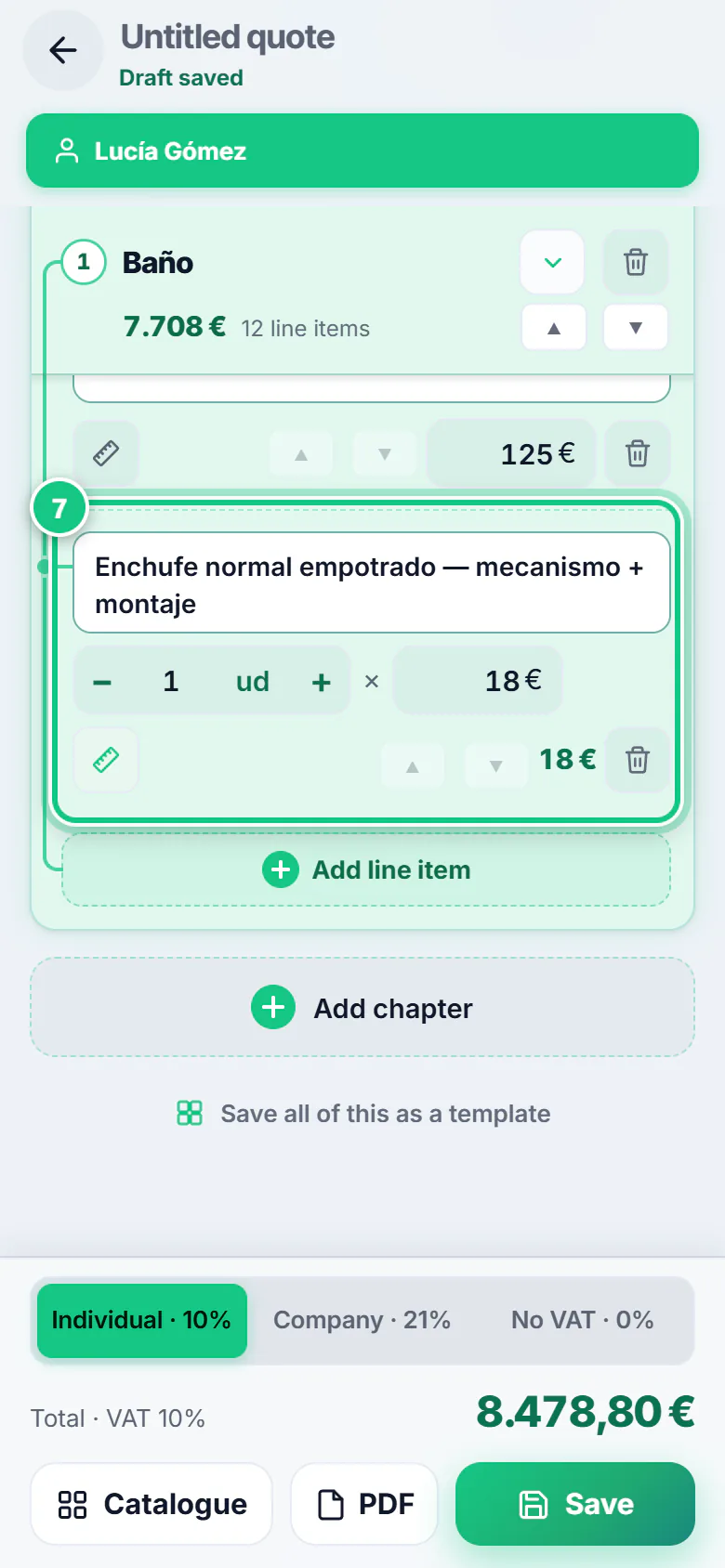
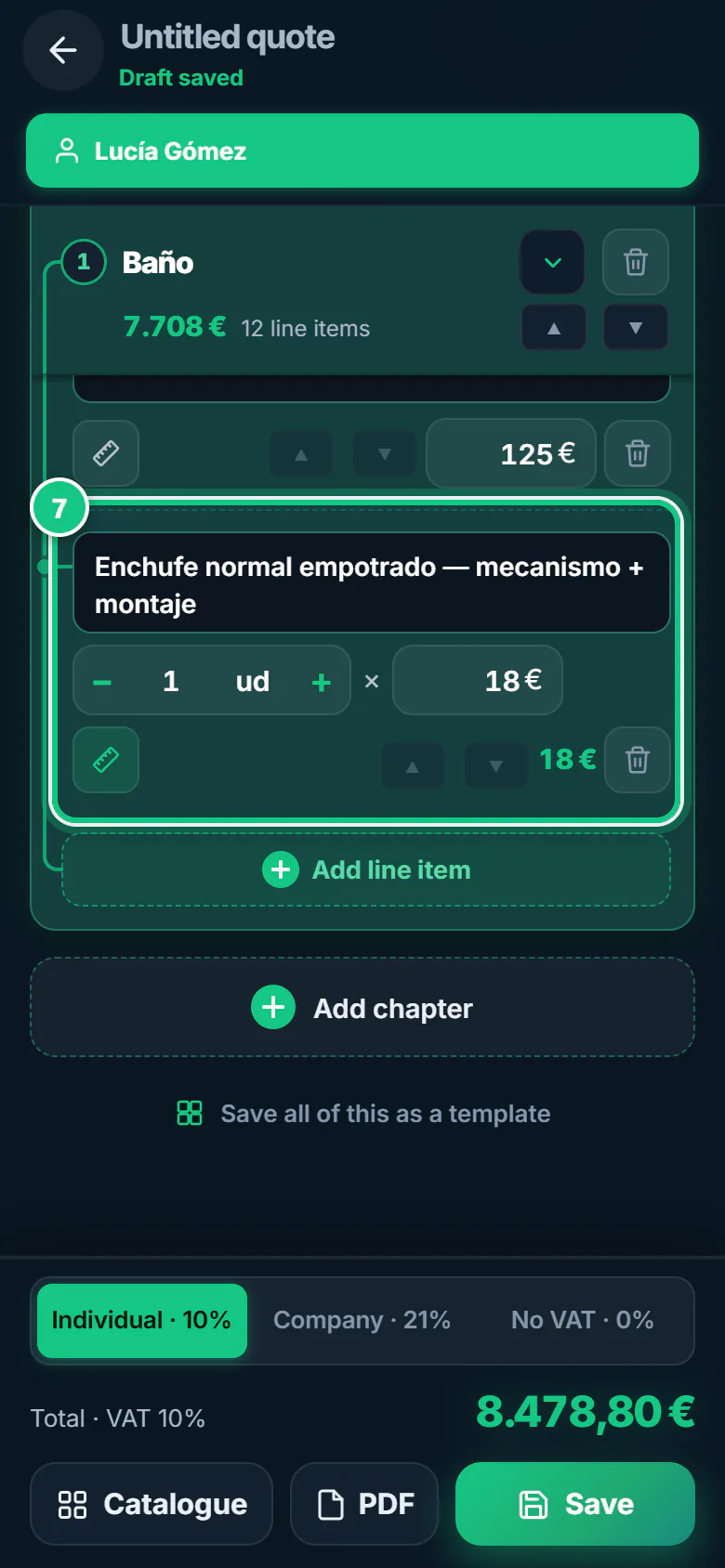
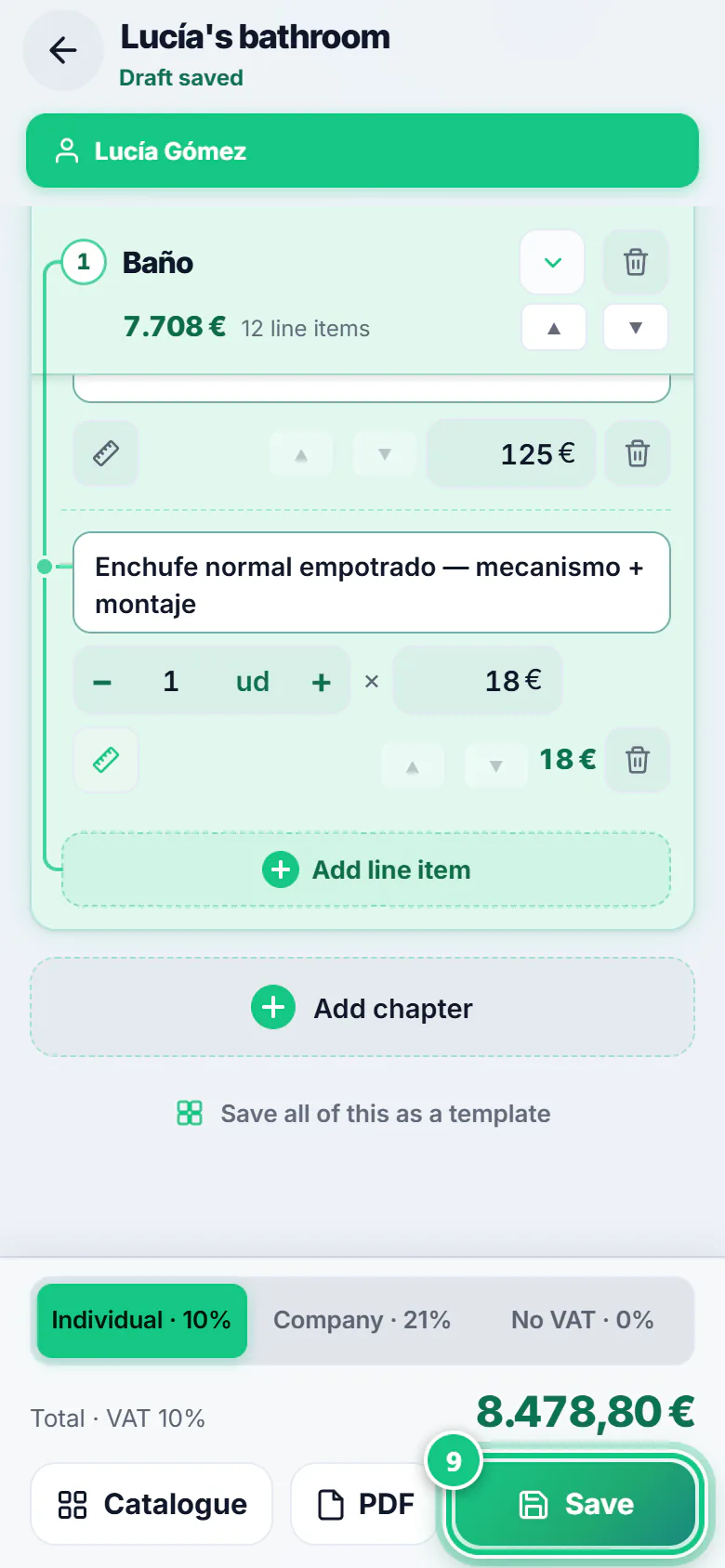
Change the quantity with − and +, and the price in its box.
Note: Your own item has no − and +? Tap the ruler: Measure: quantity × price. The bin removes the line. That price is for this quote only; for good, change your price list.
-
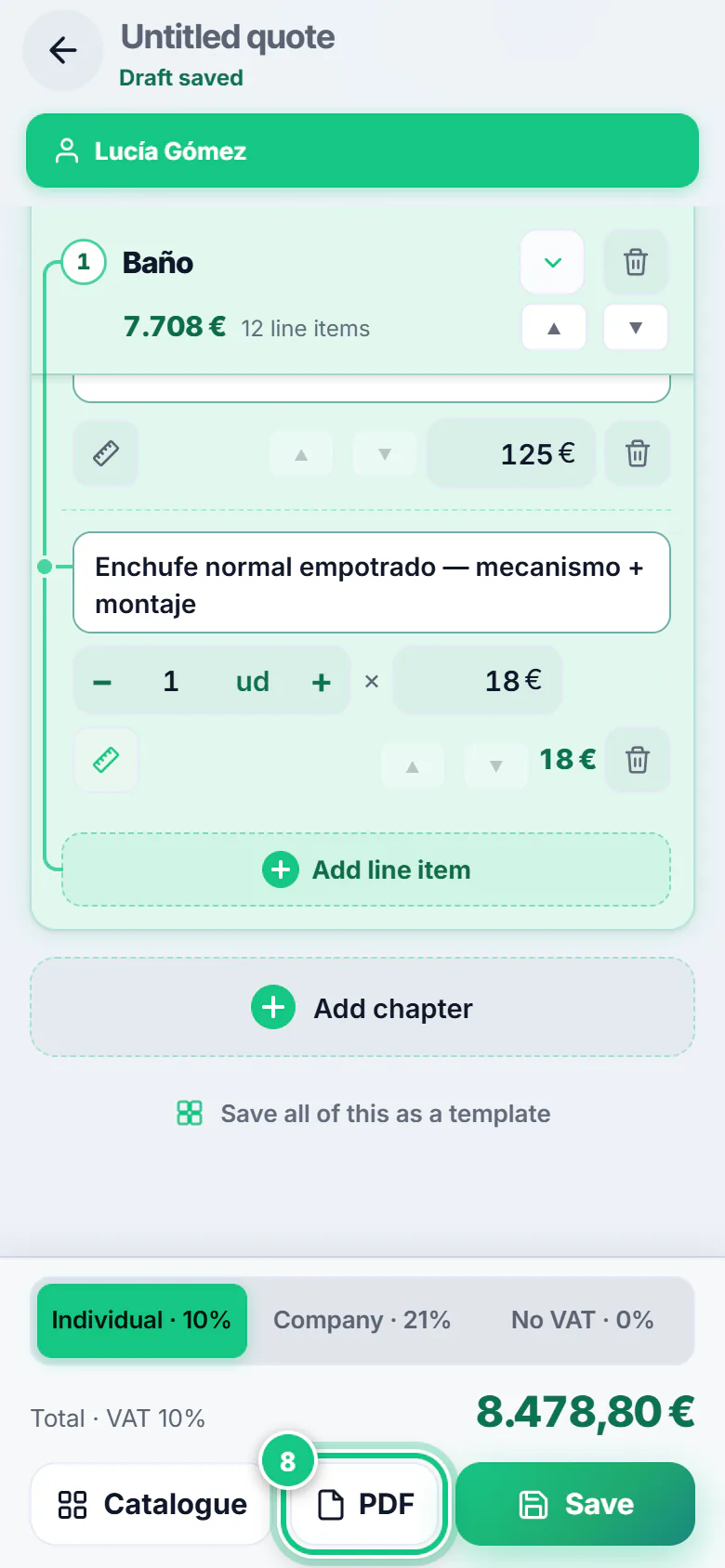
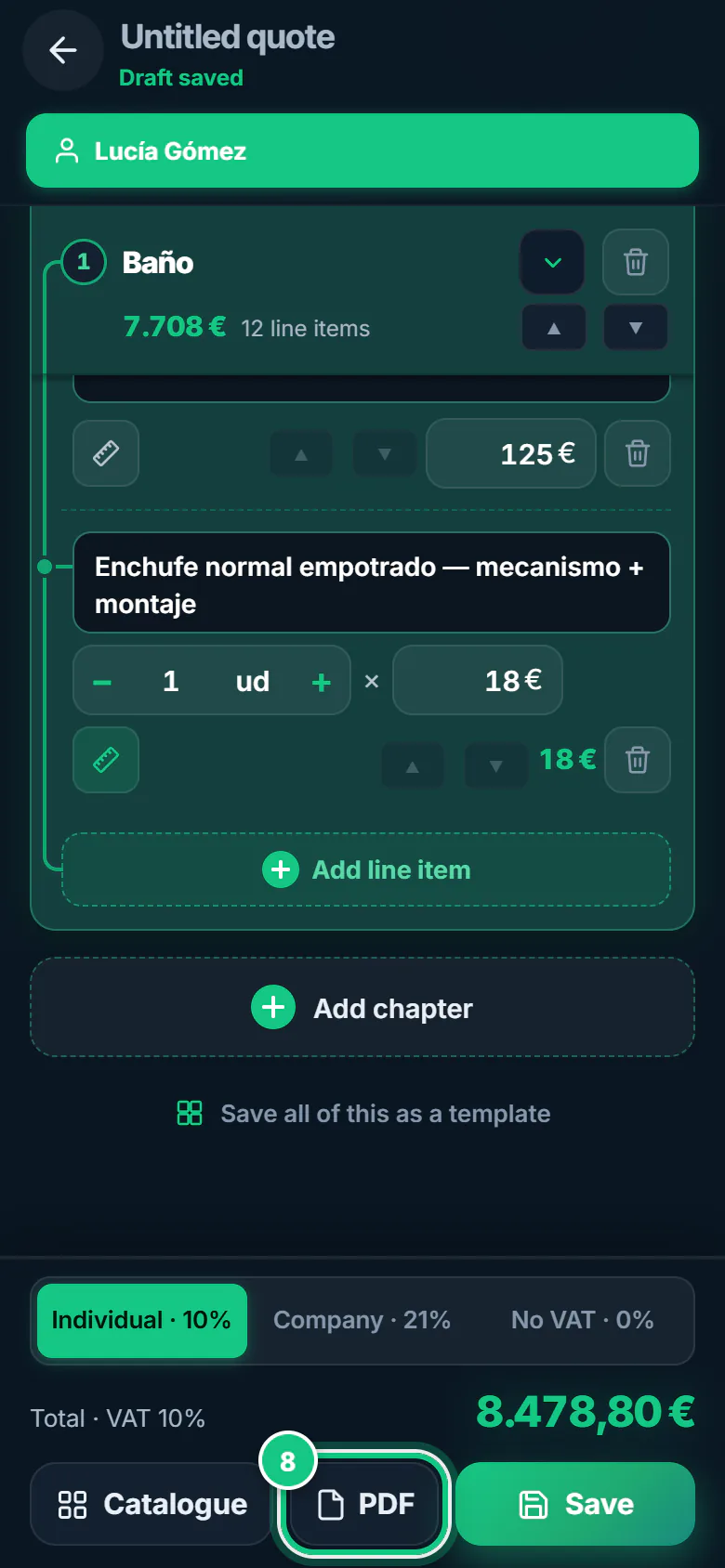
Tap PDF to see how it looks.
-
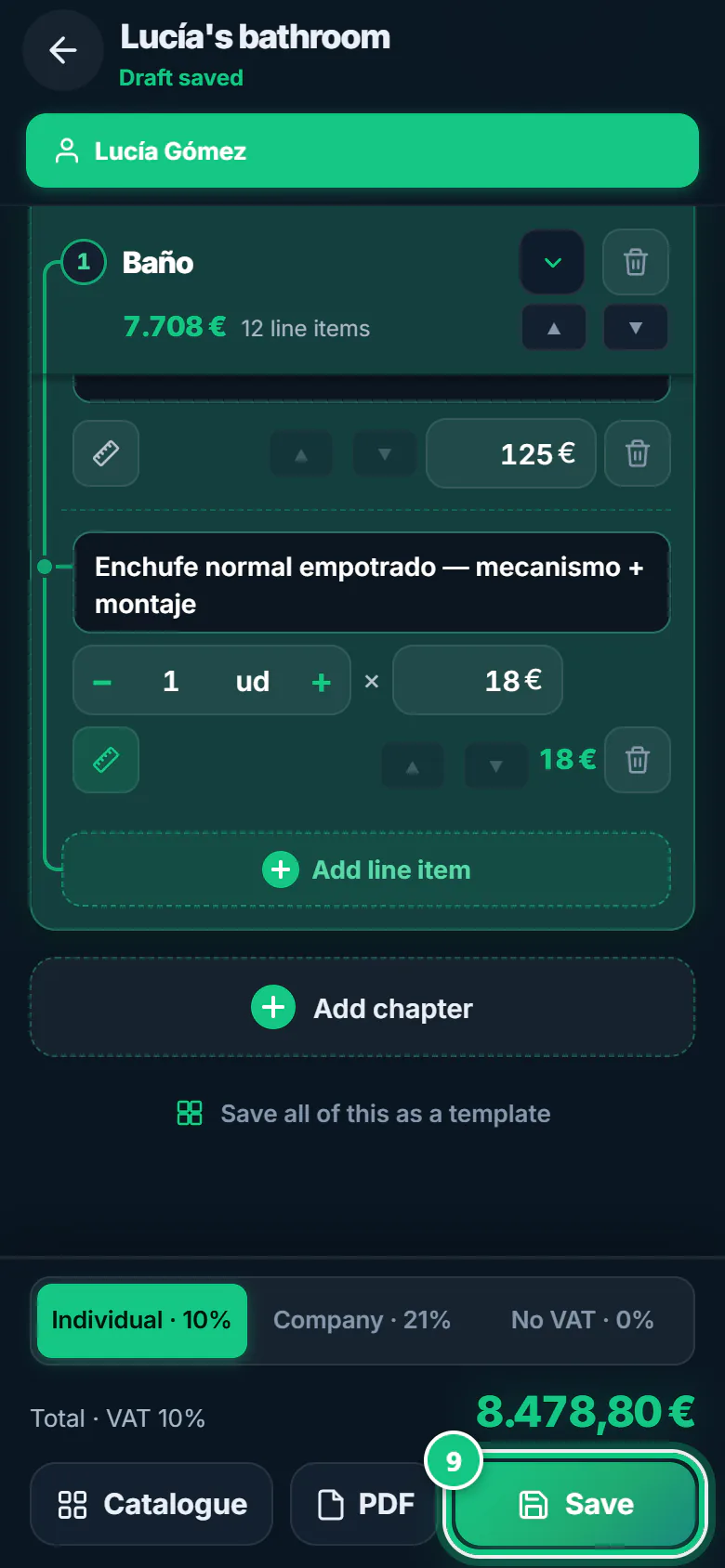
Tap Save, give it a name and tap Save again.
-
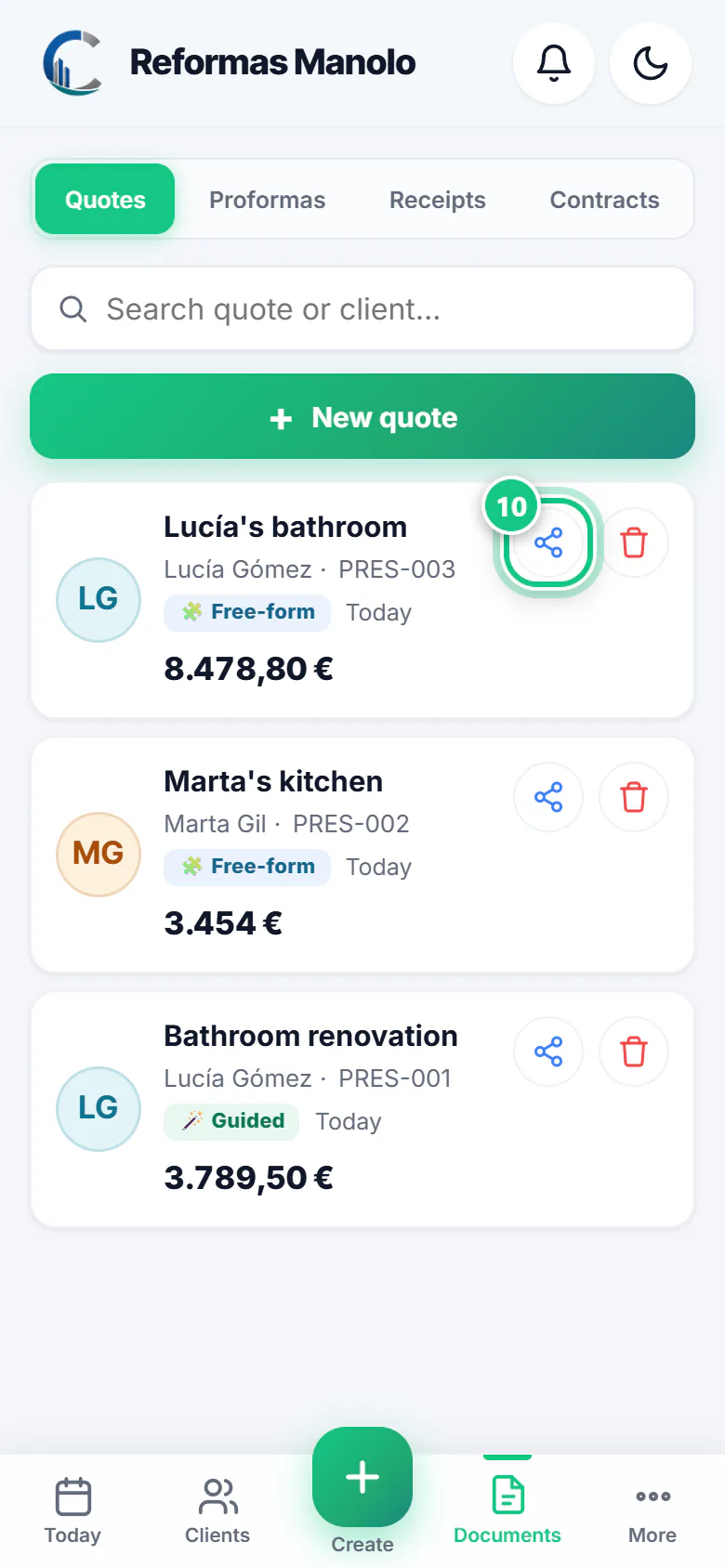
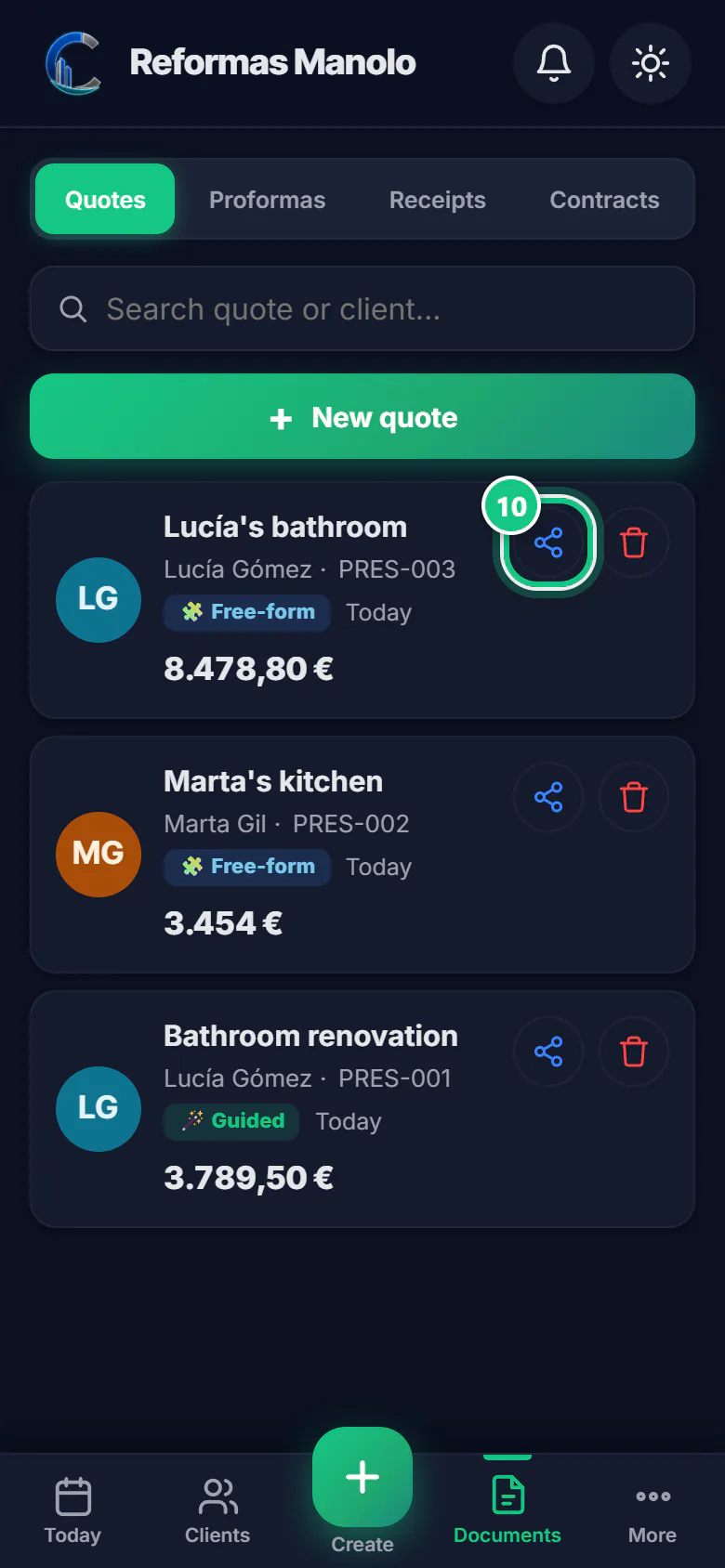
To send it: Documents, then the share button on the quote.
Where people get stuck
- The quote starts empty. Start from the Catalogue (phone) or Packs (computer): it adds a whole area at once.
- “NOTE” lines don’t charge. They are the PDF text (what is included, materials…). Only lines with a price add up.
- Minimum charge: some items have a minimum on your price list. With a small quantity, the minimum applies.
- On the computer it saves without a client unless you pick one. Pick it at the top before saving.
Open it in the app
On your phone
Open the PRESULINK app and go to:
Create›Free-form quote
On your computer
Takes you to that screen. If you are not logged in, it asks you to log in first and then takes you there.
Open the free-form quoteOn a computer, at app.presulink.es: Quotes›New free quote
Which sections does it need? See the renovation quote template.